
Easiest, Fuss-Free Ways To Access Blocked Websites On Your Phone And PC
Aside from proxy websites, there are many other ways to access blocked websites on your computer. Also, did you know there were mobiles apps that help you surf anonymously on-the-go?


 Cover image via icant
Bypassing limitations and security on the Internet is not that difficult. If you want to access blocked websites, enlist the aid of the following tools below! Each one will help you mask your online identity and sidestep restrictions for both surfing on the PC and smartphones.

Image via Giphy
Ways to view blocked websites on PC:
1. Proxy websites: A proxy website acts as an intermediate source between the user and server the site being contacted is hosted on

Image via proxysite
There are two types of proxies. Each varies in anonymity and features.
Here are some of the popular proxy sites you could use:
[https://www.proxysite.com/](https://www.proxysite.com/)
[https://hide.me/en/proxy](https://hide.me/en/proxy)
[https://kproxy.com/](https://kproxy.com/)
[https://www.vpnbook.com/webproxy](https://www.vpnbook.com/)
2. Use a VPN (Virtual Private Network): Using a VPN means your Internet traffic will be directed to a landing location away from Malaysia
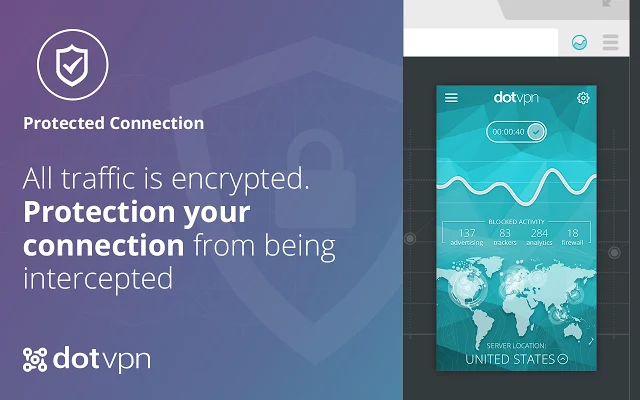
Image via Malwaretips

Many VPN websites have come out with extensions, like DotVPN's Chrome extension

Image via SAYS

3. Use a different DNS server: Internet's equivalent of a phone book. They maintain a directory of domain names and translate them to Internet Protocol (IP) addresses
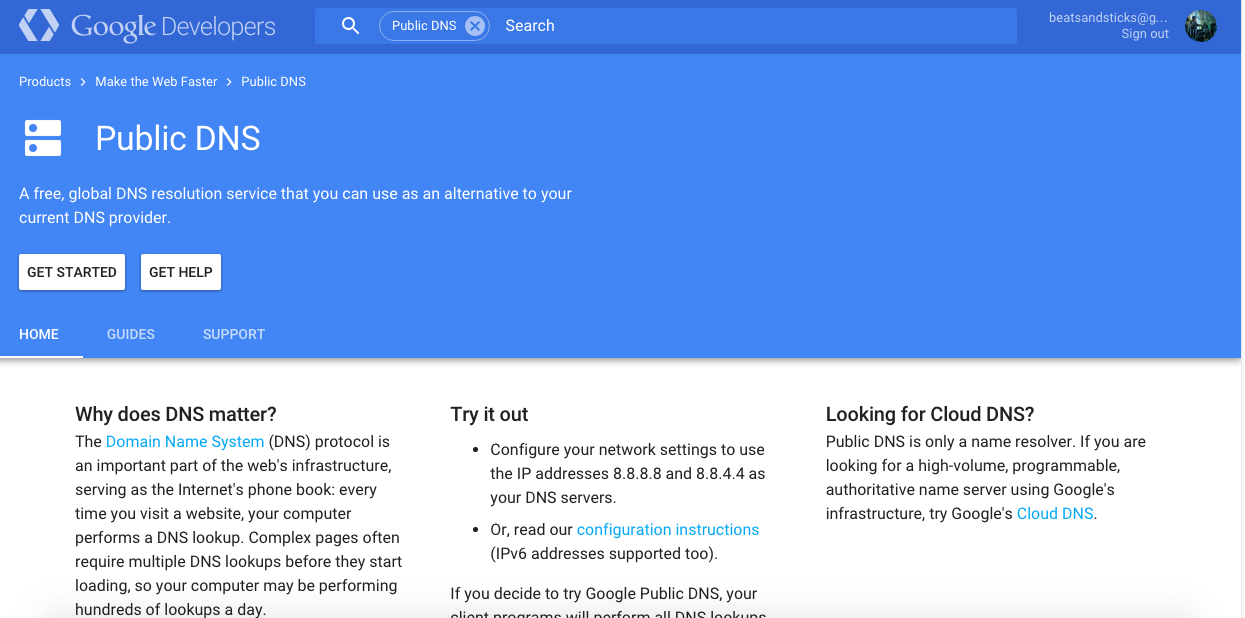
Image via Google Developers
So how does changing your DNS server help you to visit blocked websites?
4. Use Google Translate: Yup, the free online translation service can help you access blocked sites! But how?
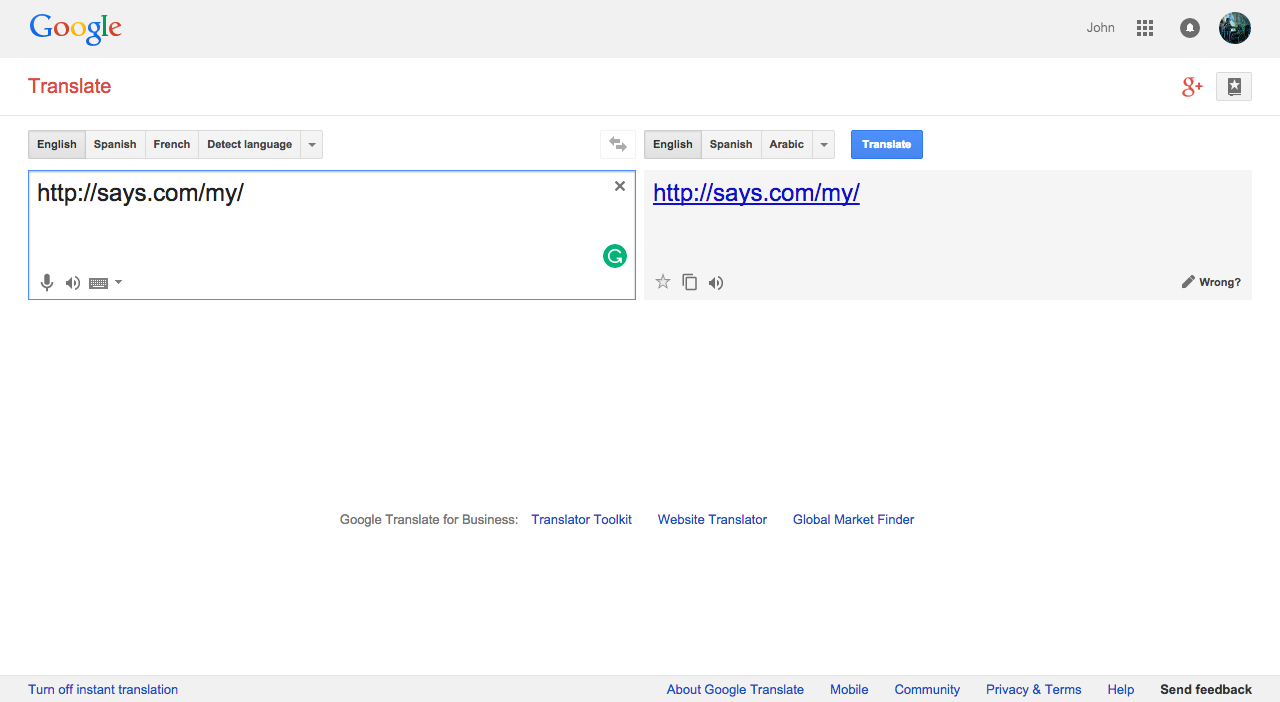
Image via SAYS

Ways to view blocked websites on your smartphone
1. VPN Express: The iOS app can be used to hide your online identity and also to access sites that might be blocked
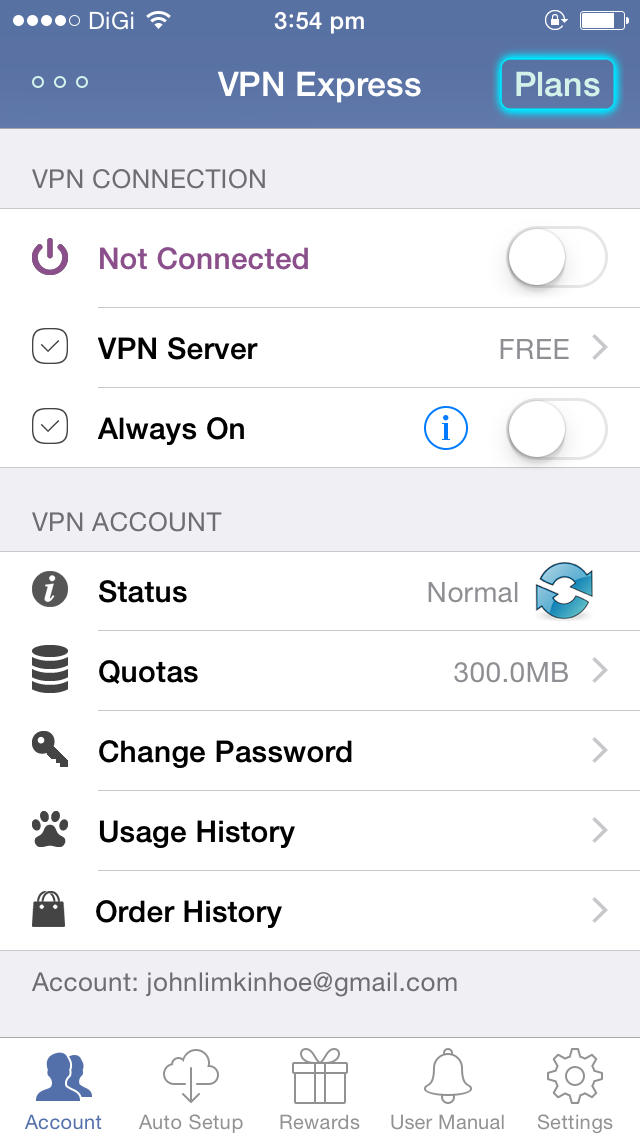
Image via SAYS

Download VPN Express on iTunes
2. Hotspot Shield: The smartphone app, which is available for iOS and Android protects your privacy, identity, and device by intercepting and routing Wi-Fi network activity through a Virtual Private Network server

Image via lifehacker
