
10 Ways To Get More Battery Life Out Of Your Android Smartphone
Because it's not just iPhones with the battery problems.


 Cover image via portablechimp
Top-notch Android smartphones are powerful machines, but unfortunately, they don't have endless battery life. Like their iPhone counterparts, many Android users struggle to get by ONE day without having their phones die on them.

Image via Giphy
But the good news is that there are many ways to strategically squeeze out a lot more battery life from your smartphone just by adjusting a few settings:
1. Lower the brightness and adjust the sleep time
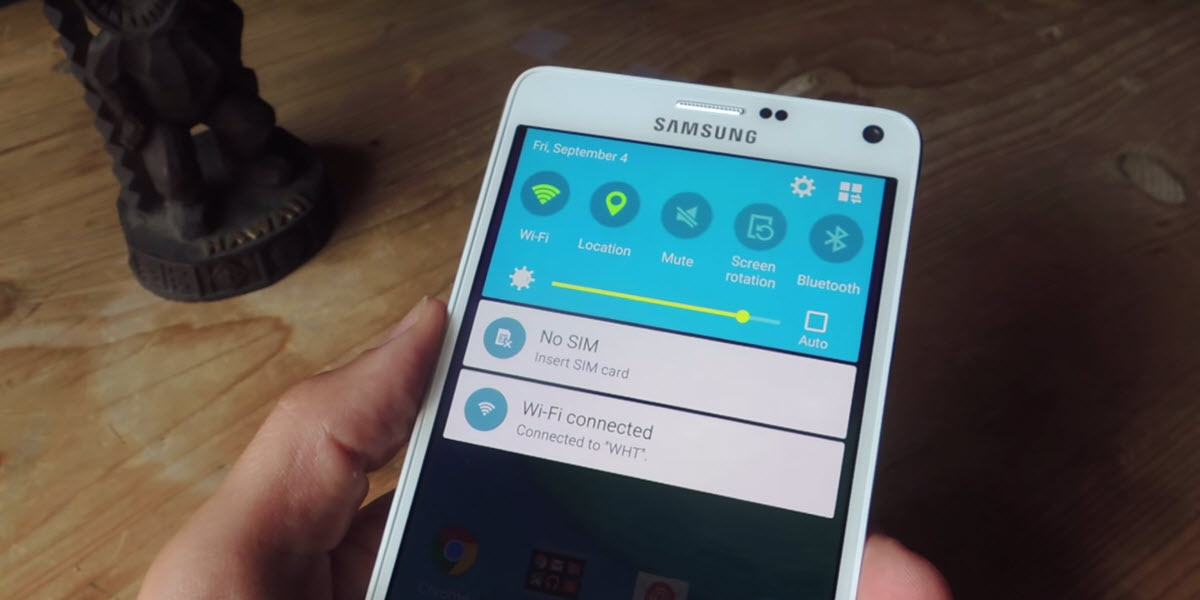
Image via Pocket Meta
Perhaps the most useful tip for any smartphone with a screen. **By adjusting the brightness level to 50% below, the battery would be able to last at least 2 hours longer than usual.**
The other usual tip is to adjust the screen's sleep time – the amount of time the screen will stay active before it dims away. **It's usually set to 30 seconds, but we recommend setting it to the quickest (15 seconds or less).**
2. Figure out which app is hogging the most power
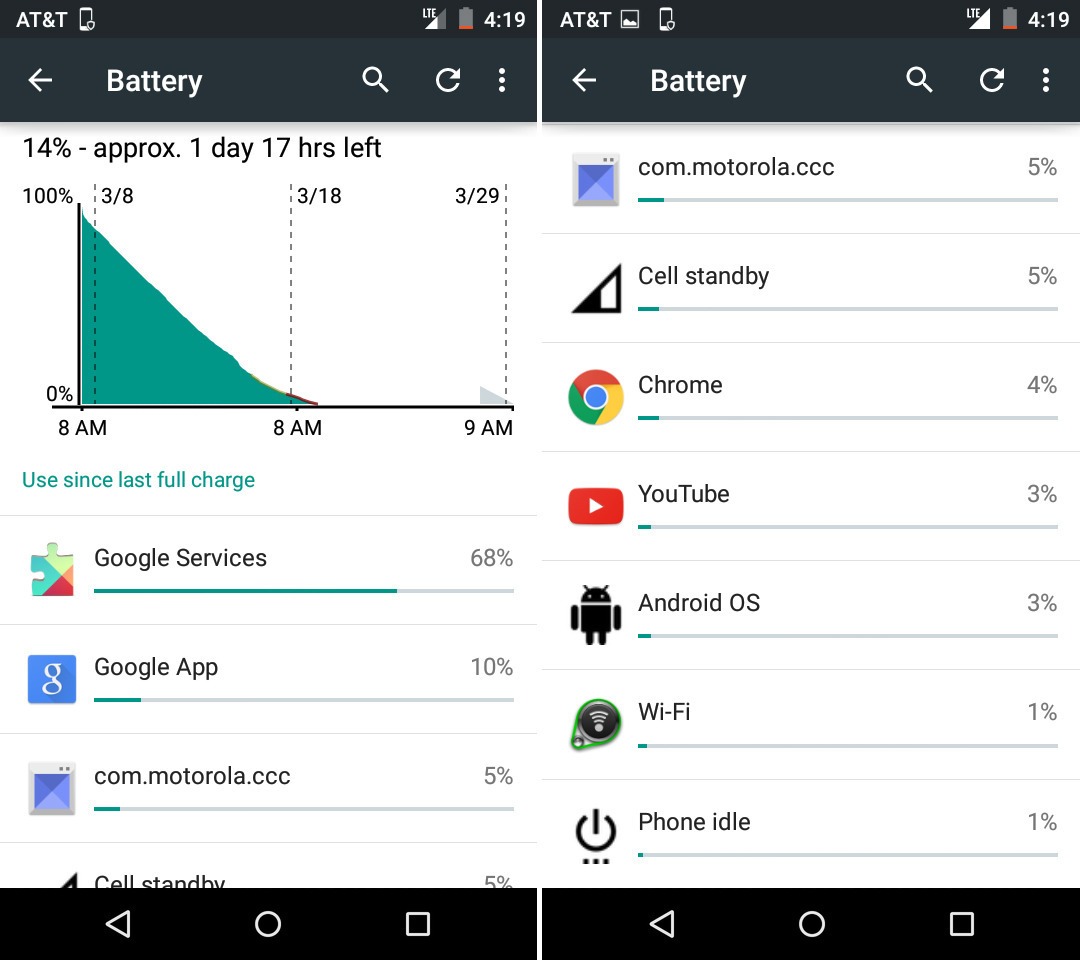
Image via Mashable

3. Dump unnecessary home screen widgets and live wallpaper
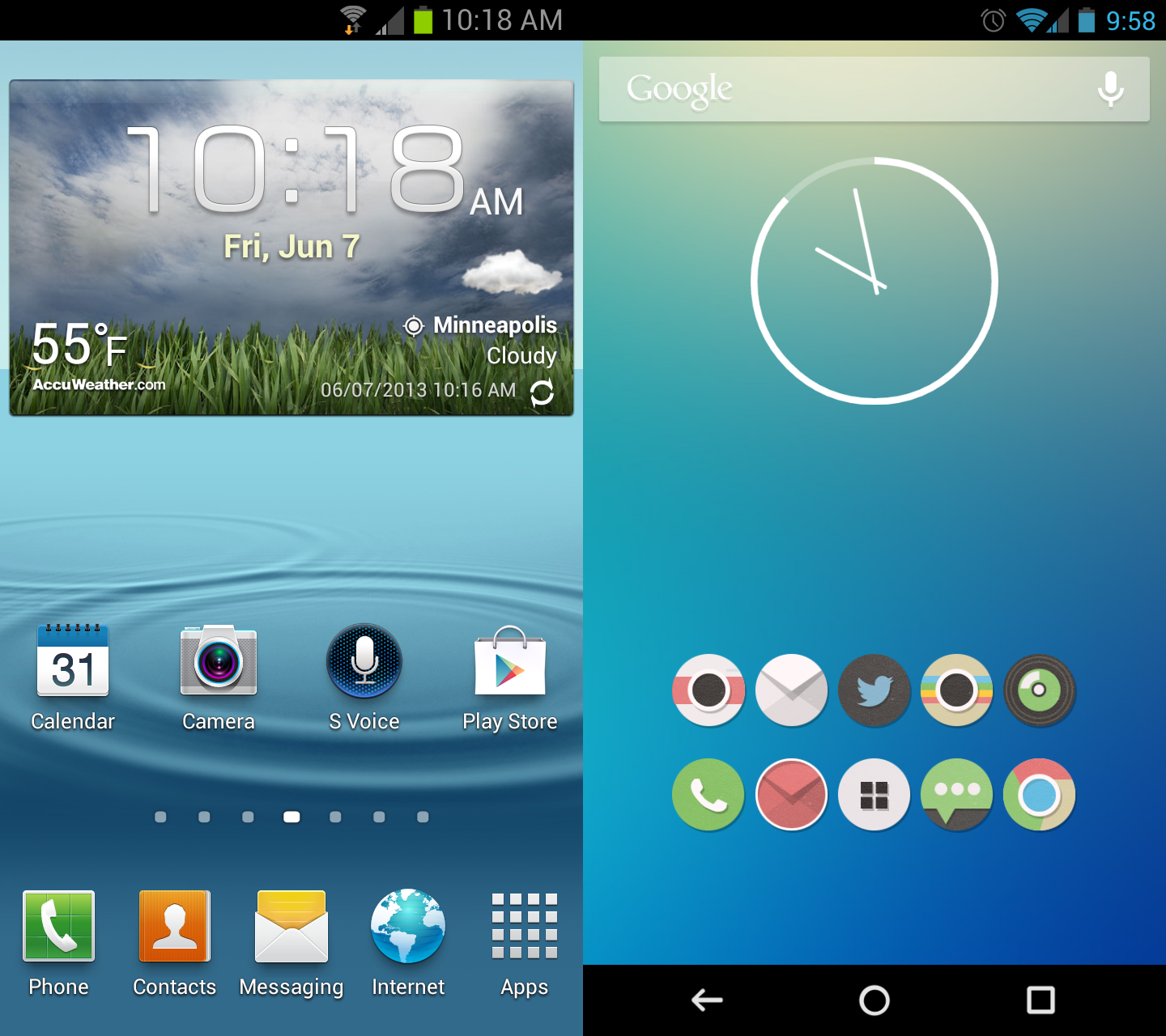
Image via Tech Now News
Many Android apps, including social networks, weather apps and news apps, come with widgets that sit handily on the home screen for real-time updates. **However, widgets are battery drainers due to their power-sucking animations.** If you don't need a permanent window into the Facebook news feed or regular updates on the weather, remove the superfluous widget by dragging it to the trash can icon.
4. Turn on battery saver mode

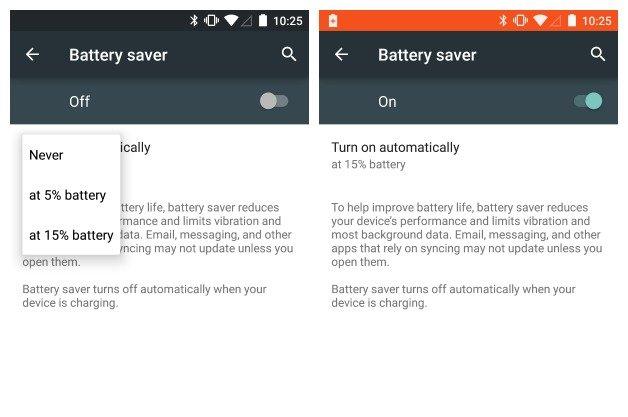
Image via Mashable
5. Turn off Bluetooth and GPS when not needed
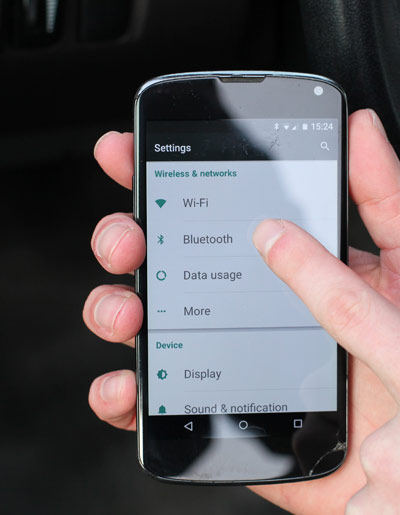
Image via Samarins
Many apps like Google Maps, Swarm and Waze use your location to provide real-time location data, but if you rarely use location-based apps or use them sparingly, it would be wise to leave the GPS off. **Same goes for Bluetooth! If you don't use any Bluetooth accessories with your smartphone, it's an easy call to turn off Bluetooth entirely.**
6. Turn off vibrations and unnecessary sounds
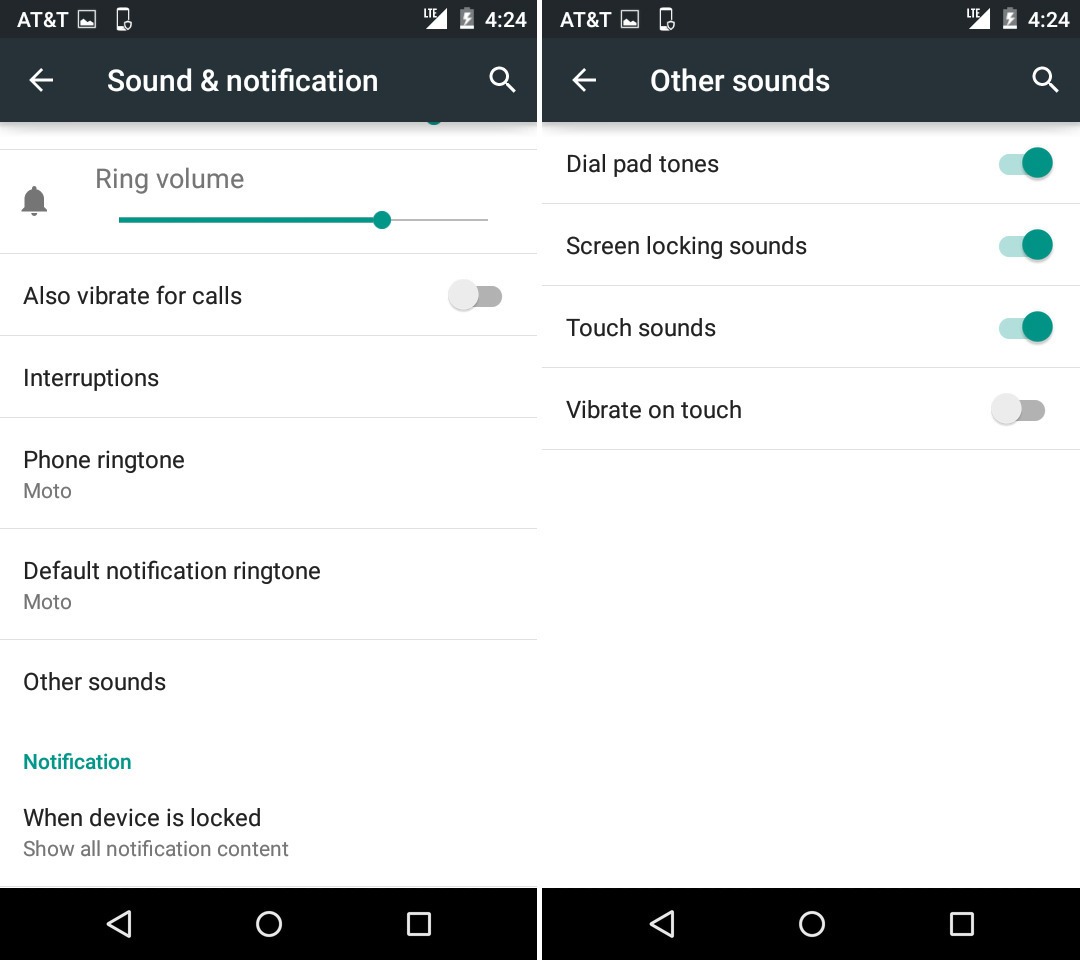
Image via Mashable
Haptic feedback – the vibration you feel every time you touch on your Android screen is a cool little feature, but it also drains up your battery very fast. **Imagine typing out a 200 character message, that would mean your smartphone would have to vibrate 200 times!**
7. Make sure your apps are all updated
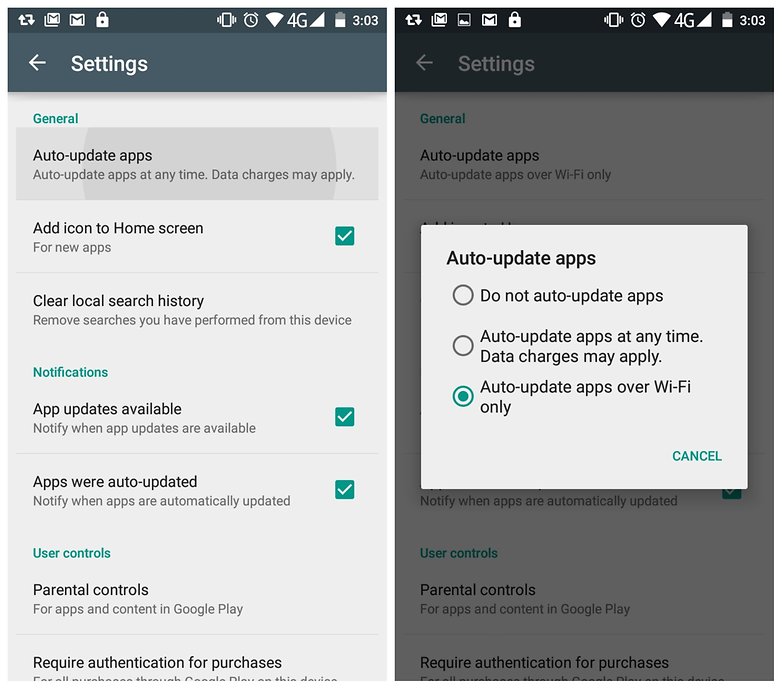
Image via Android Pit
8. Use lock-screen notifications
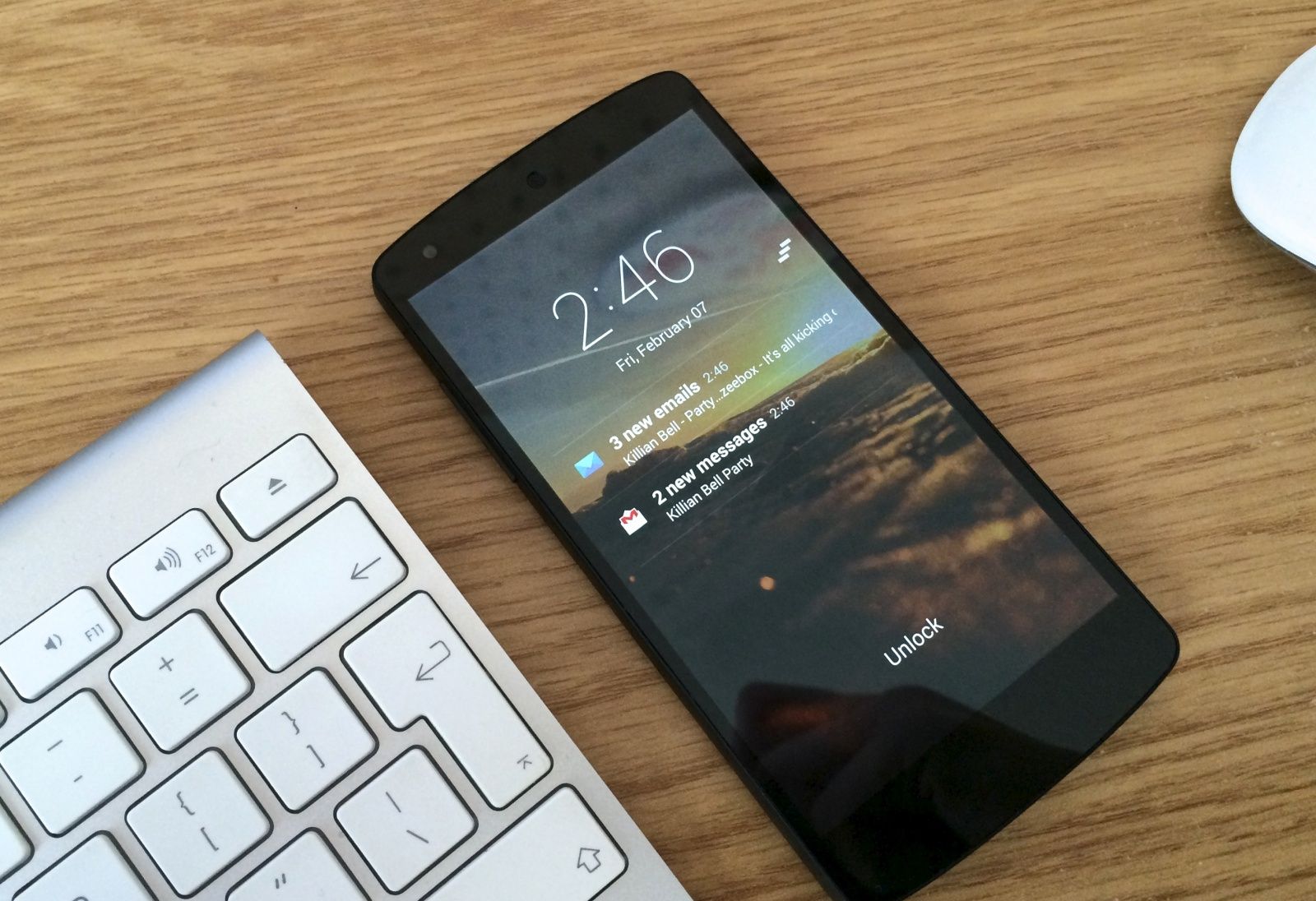
Image via Cult Of Android
9. Stop syncing everything with Google
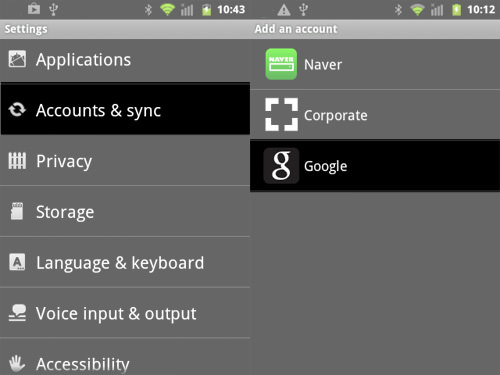
Image via HongKiat

10. Don't expose your smartphone to excessive heat
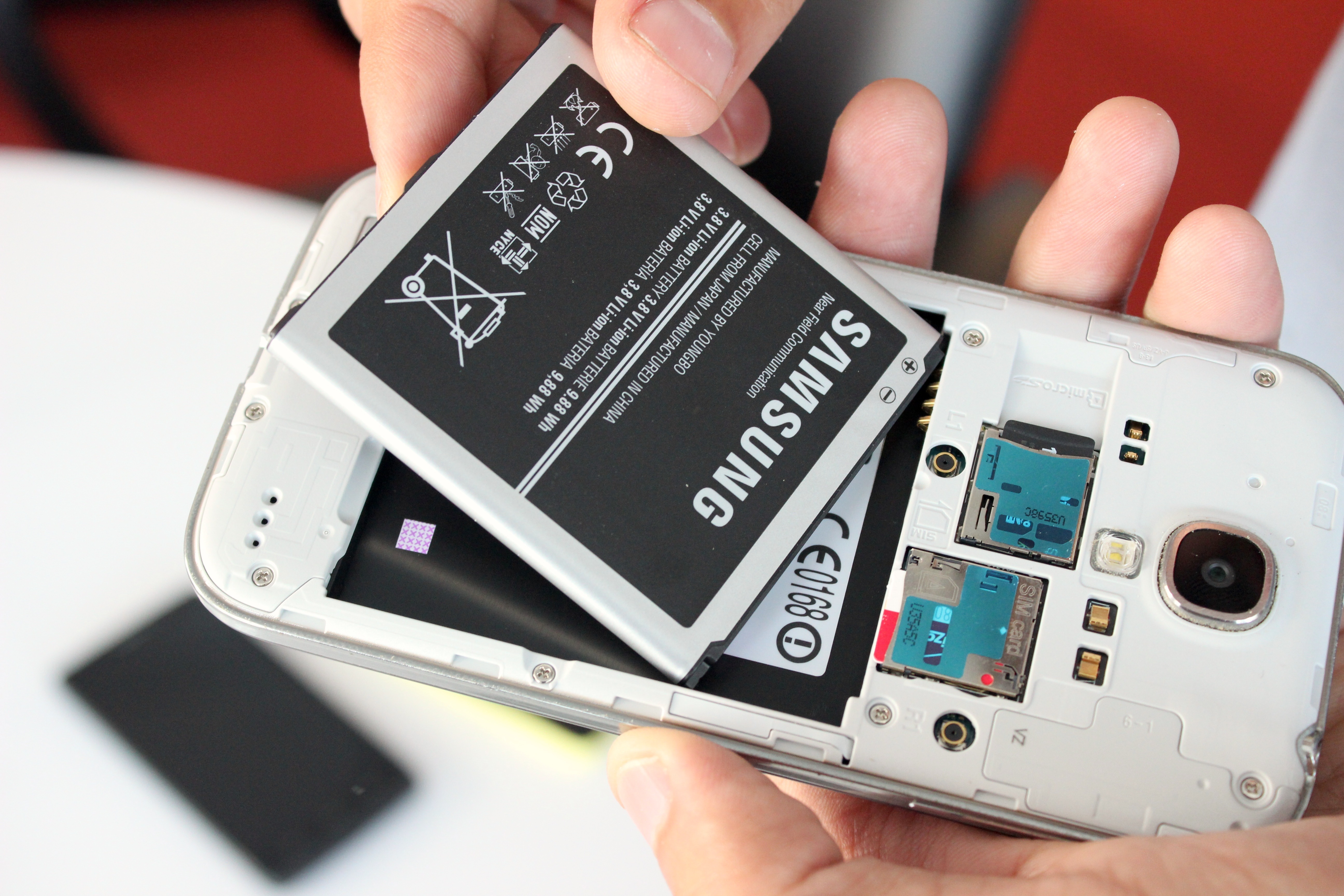
Image via PC World
What are your best battery saving tips? Share with us in the comments below!
Last week on Tech Tuesday, we shared some much needed tips and tricks on how to take care of your iPhone charger cable:
Read more trending stories on SAYS

26-Year-Old Influencer Builds A Real-Life Flying Hoverboard
The influencer from China has gone viral for building and flying his own manned hoverboard over the Yangtze River.