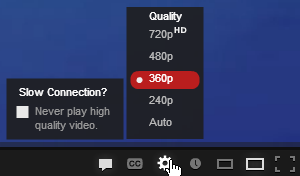
Hate Waiting For YouTube Videos To Load? Here Are 6 Hacks For Faster Streaming
The quality of the video plays a part!


 Cover image via SAYS
We've all been there – you're watching a YouTube video when all of a sudden, it pauses and starts buffering… especially when the video starts to get good!
Not forgetting those who can't even stream a YouTube video from the beginning, we're sorry.
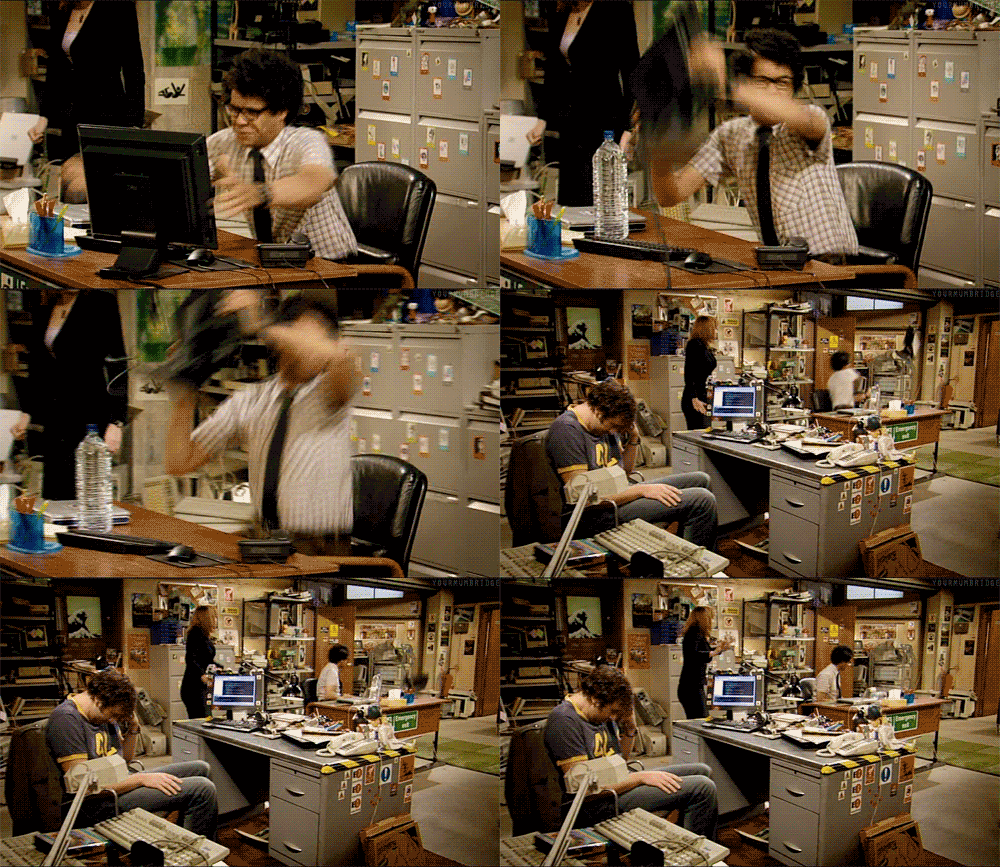
Image via Reaction GIFS
Sometimes, it could be a fault on YouTube's end. But for the most part, it's the Internet connection.

Image via YoungIsThan
Luckily, there are some things you can do to make YouTube videos stream faster before you throw your computer out of the window:
1. Check if there's anything hogging the Internet bandwidth
Image via HowStuffWorks
If YouTube videos are slowing down at your home, check if there's anything else that's hogging the network. You may not know it, it could be your roommate, siblings or even your neighbors! Many Internet connections can only handle so much bandwidth.
**You also could disconnect all devices from the network while they are not in use. Additional computers and other devices can slow down a video stream considerably.**
2. Clear up your browser's cache and Internet files
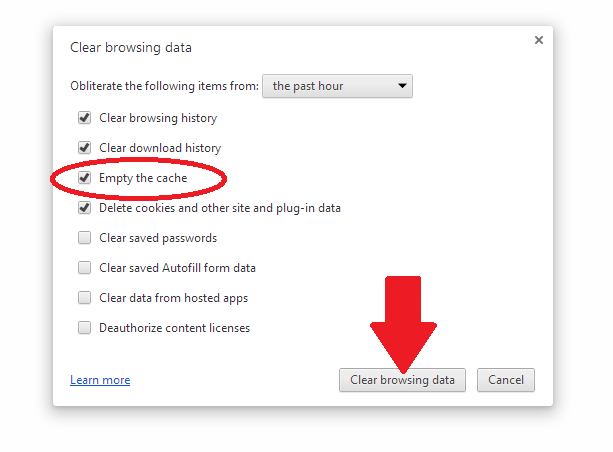
Image via EduOne

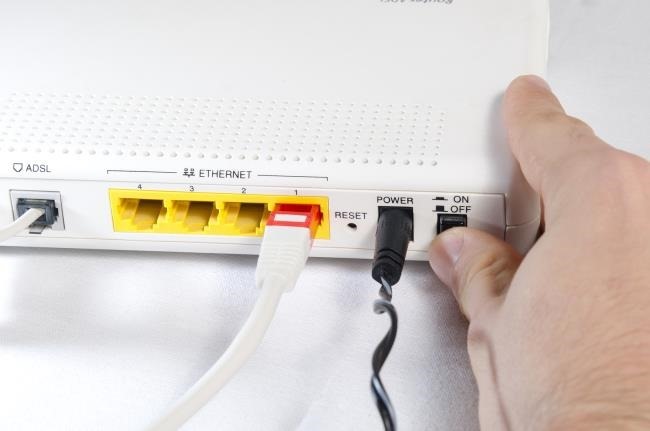
3. Plug into an ethernet connection if you can
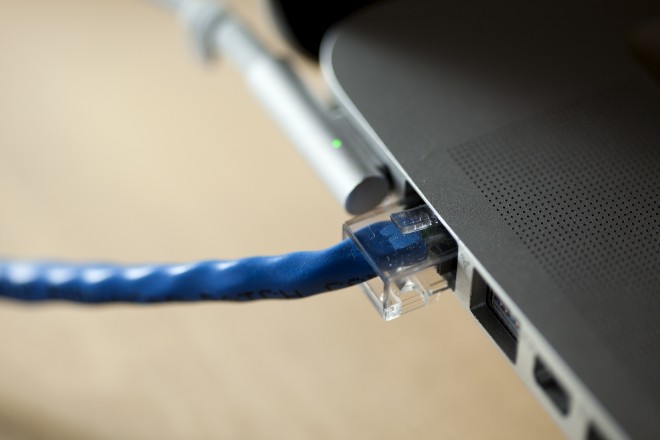
Image via WIRED

4. If you don't have an ethernet cable, sitting closer to the router might work
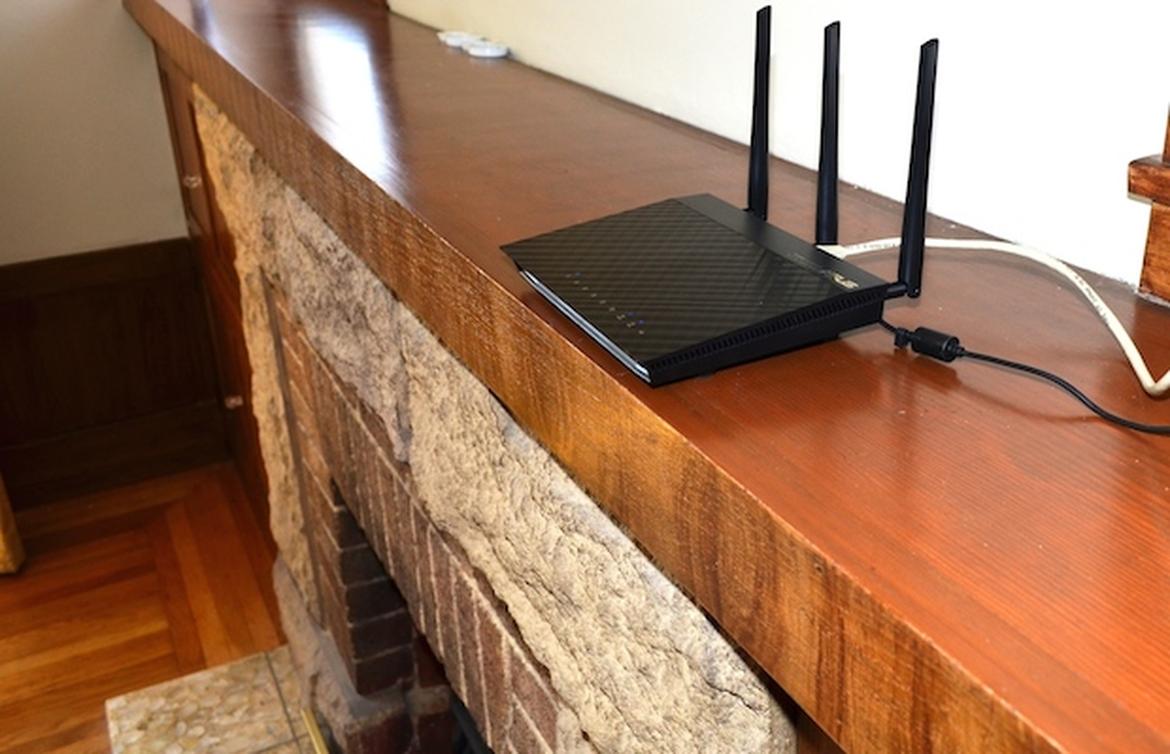
Image via ZDNET
If you can't connect to ethernet because you don't have a cable, The next best thing to do is sit closer to the router. The farther you are away from the router, the weaker your internet connection gets, especially if there are walls between you and the router.
**Sitting closer to the router will improve your internet connection and could be the difference.**