
“Don’t Panic, It’s A Test!” — Here’s What To Tell Your Parents About MySiren
Mark your calendars for 29 Nov.


 Cover image via
Follow us on Instagram, TikTok, and WhatsApp for the latest stories and breaking news.
Malaysia is testing MySiren nationwide this Sunday, 29 Nov, so let your parents know before their phones start sounding
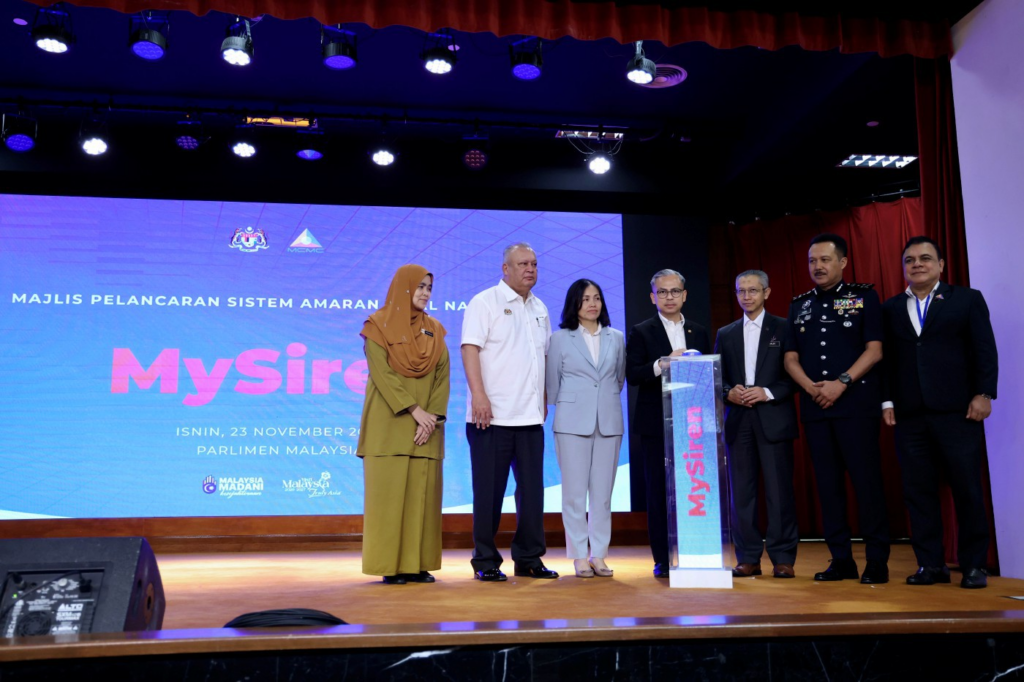
The exercise will test how emergency alerts are transmitted and received on compatible mobile phones. If a MySiren test notification arrives, stay calm and read the message.
It's also a good time to check your own phone and help your parents update theirs, so everyone's a little more familiar with the system before it's needed during an actual emergency.
MySiren is Malaysia's national early warning system, designed to notify people about emergencies such as floods, severe weather, tsunamis, major fires, and hazardous-material incidents
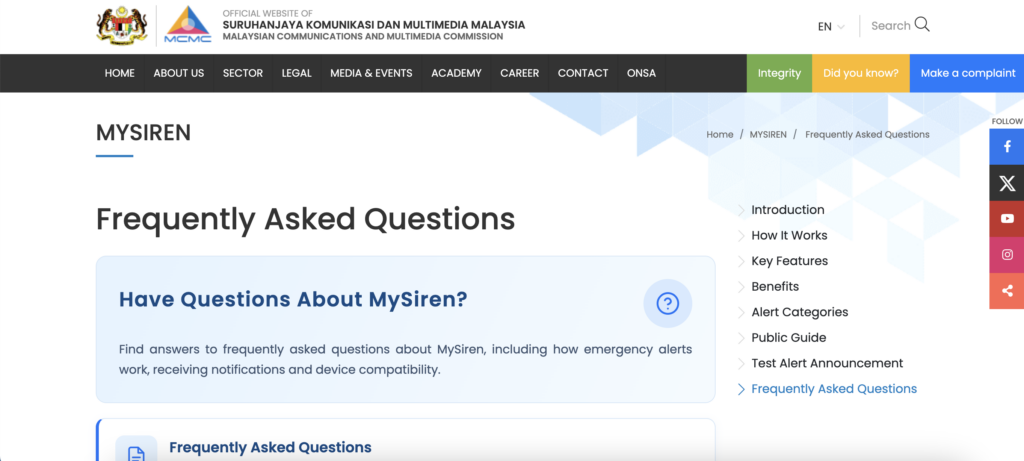
According to the New Straits Times, the Malaysian Communications and Multimedia Commission (MCMC) has published an FAQ explaining how the system works.
It uses Cell Broadcast technology to send alerts to compatible phones within affected areas through participating 4G and 5G networks. You don't need to download an app, register, or subscribe. The alerts also do not require mobile data or WiFi, and will not use up your data quota. Your phone does, however, need to support the technology and be connected to a participating mobile network.
Before Sunday, help your parents check these things on their phones
If you're usually the person your parents turn to for phone updates and settings, here's something useful to check together:
- Update the software. MCMC's current guidance lists iPhone 11 or newer running iOS 27.2 or later, compatible Android devices running Android 12 or later, and Huawei devices running EMUI 16 or later.
- Restart the phone after updating.
- Check the emergency alert settings. Look for Government Alerts or Wireless Emergency Alerts in Settings. The wording and location may vary by phone.
- Explain what the test is for. Let them know that a test notification may arrive on 29 November, so it doesn't come as a surprise.
ㅤ
Meeting the software requirements alone does not guarantee that a phone will receive the alert. Reception also depends on the device's compatibility, settings, and participating network coverage. If your parents use an older phone, check what updates it supports. Phones that only support 2G or 3G cannot receive MySiren alerts, and some older 4G devices may also be incompatible.
Remind them to read the message, and watch out for anyone asking for money or personal details
When a notification arrives, read it fully to understand whether it's a test or an actual emergency warning. For a real emergency, pay attention to the affected location and follow the authorities' instructions.
There's another useful reminder to share with your parents: MySiren alerts will never ask for passwords, banking details, one-time passwords (OTPs), or payments.
If their phone doesn't receive an alert, they can still get emergency updates elsewhere
MySiren will also complement existing warning channels, so your parents can continue to follow official updates through radio, television, government websites, verified social media, and local announcements.
