
Your Office Chair Might Not Be The Problem. Here’s How To Sit Properly At Your Desk
Simple desk adjustments that could help make your workday easier on your back.



 Cover image via
Follow us on Instagram, TikTok, and WhatsApp for the latest stories and breaking news.
Why your back might still ache even after investing in a fancy ergonomic chair?
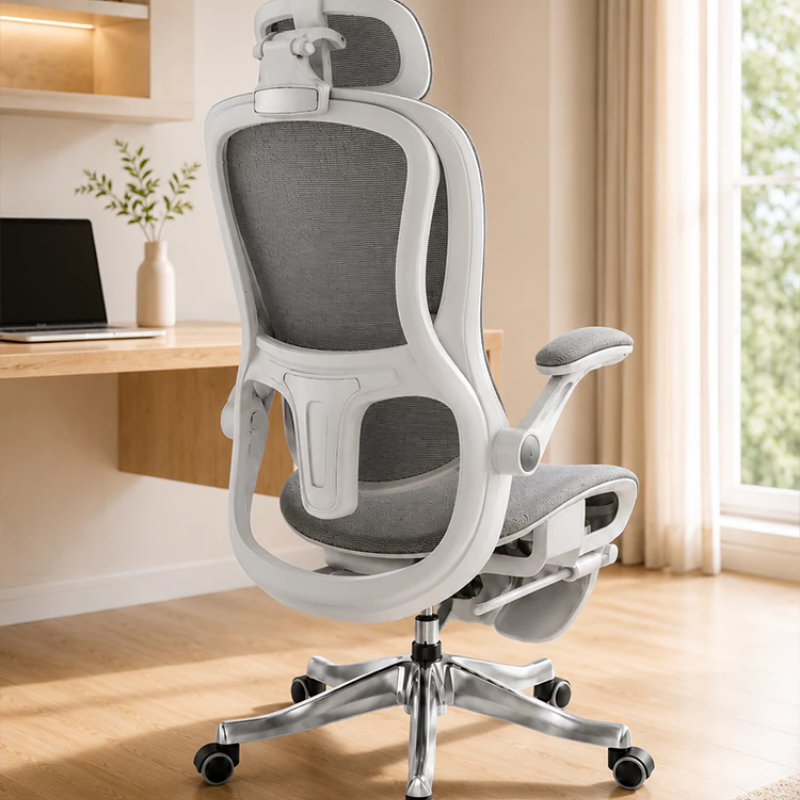
Slouching, leaning too far forward, or sitting in one position for hours can place extra strain on your back and neck muscles. Over time, these habits may leave your muscles feeling tight and tired, especially when your workstation isn't set up to support your body properly.
The good news is that a few simple adjustments could make a world of difference.
Here's how to sit properly for a more comfortable workday:
1. Let your chair support your lowerback
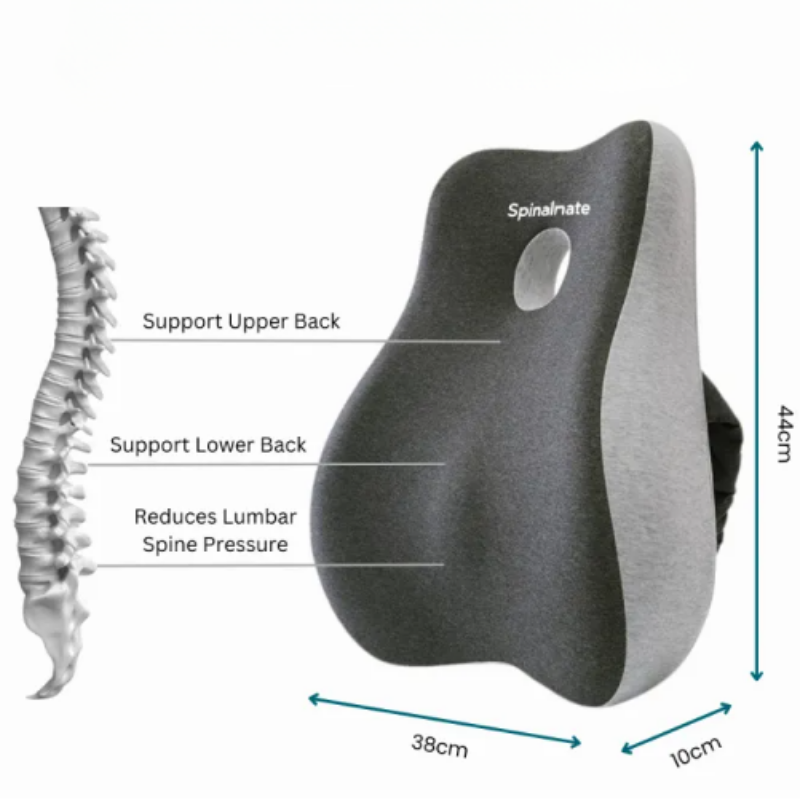
If you tend to perch on the edge of your chair or slouch towards your screen, your back muscles may end up working harder to support your upper body. Over time, this can leave your back feeling tired and uncomfortable, especially after hours at your desk.
Instead, sit back against your chair's backrest and adjust the lumbar support so it fits comfortably into the natural curve of your lower back. If your chair doesn't provide enough support, a small lumbar cushion may help. You could also consider an ergonomic office chair with adjustable lumbar support to make it easier to find a comfortable sitting position.
2. Keep your feet flat on the floor
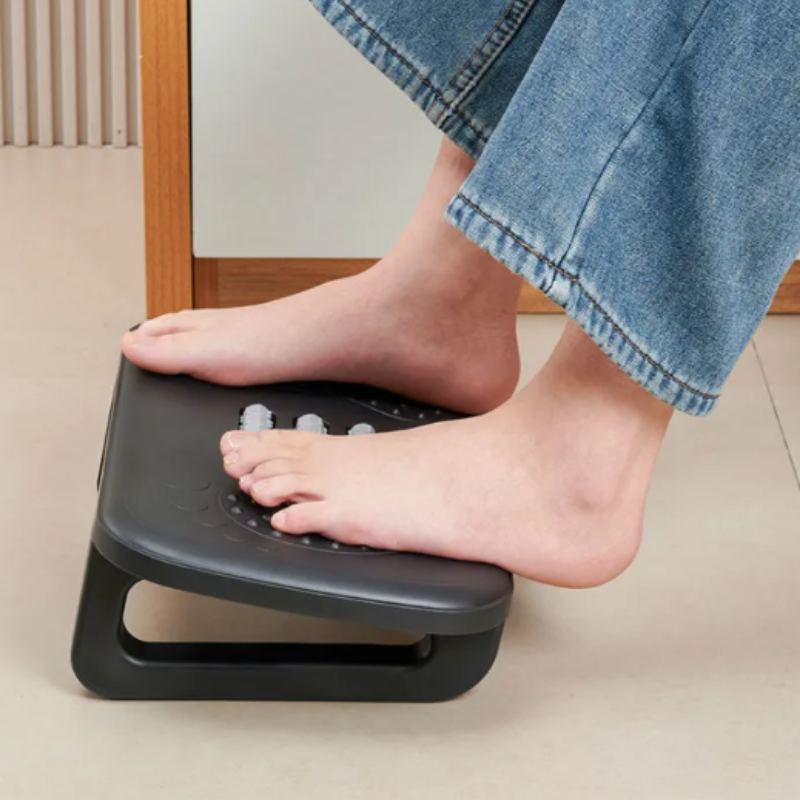
Your sitting position isn't just about your back. If your feet dangle above the floor or you constantly tuck them under your chair, you may find yourself shifting into uncomfortable positions to compensate. This can also affect how your hips and lower back are positioned.
To start, adjust your chair height so your feet rest flat on the floor and your knees are roughly level with your hips. If your desk is too high for you to do this comfortably, try using a footrest to support your feet instead of leaving them dangling. Your thighs should also be supported by the seat without the front edge pressing into the backs of your knees.
3. Bring your screen up to eye-level
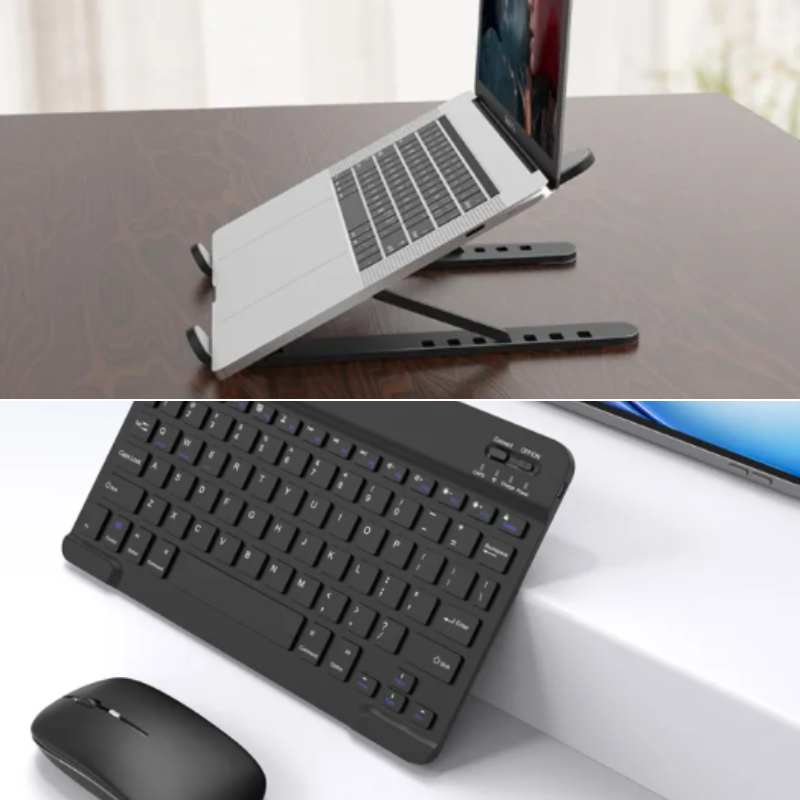
Ever catch yourself leaning towards your laptop because the text on your screen seems too small, or looking down at it for hours without realising? These habits can leave your neck and upper back feeling strained by the end of the day.
Position your monitor directly in front of you, about an arm's length away, with the top of the screen at or slightly below eye level. This helps you keep your head in a comfortable position instead of constantly bending your neck. If you're working on a laptop for long periods, consider using a laptop stand with a separate keyboard and mouse so you can raise the screen without making typing uncomfortable.
4. Relax your shoulders and adjust your armrests
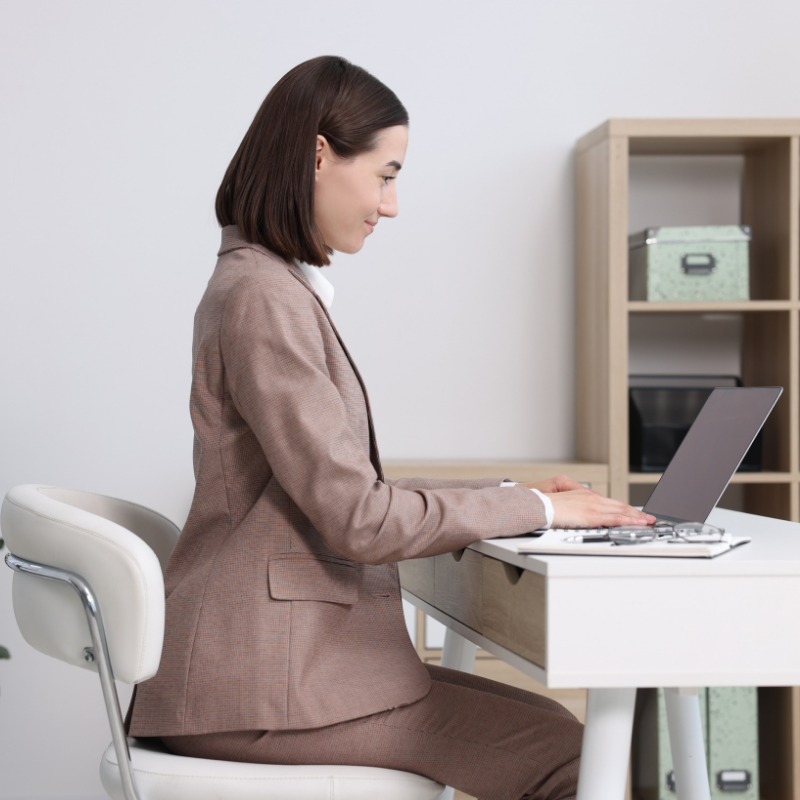
If your shoulders tend to creep towards your ears while typing, or you find yourself reaching forward for your mouse, your workstation may need some adjusting. Holding these positions for long periods can contribute to tension and discomfort around your shoulders, neck and upper back.
Keep your shoulders relaxed, your elbows close to your body and your forearms roughly parallel to the floor while typing. Adjust your armrests so they support your arms without forcing your shoulders upwards. Your keyboard and mouse should also be close enough that you don't have to stretch to reach them.
5. Stretch in between working hours
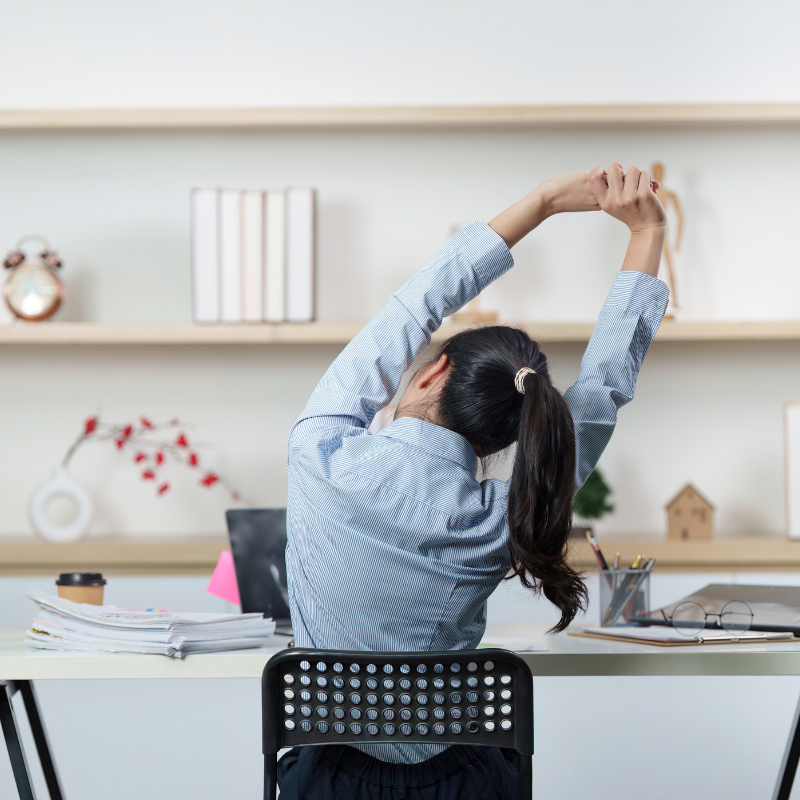
Even if you've found the perfect chair and adjusted it to suit your body, sitting in the same position for hours isn't ideal. Staying still for too long can leave your muscles feeling stiff, which is why you might find yourself shifting around or stretching your back after a long meeting.
Try breaking up long periods of sitting by standing up, walking around or taking short movement breaks throughout the day. You could also walk to refill your water bottle, stretch between tasks or take a quick stroll during your lunch break. The goal isn't to avoid sitting altogether, but to give your body regular opportunities to move.
6. Don't force yourself into one 'perfect' posture
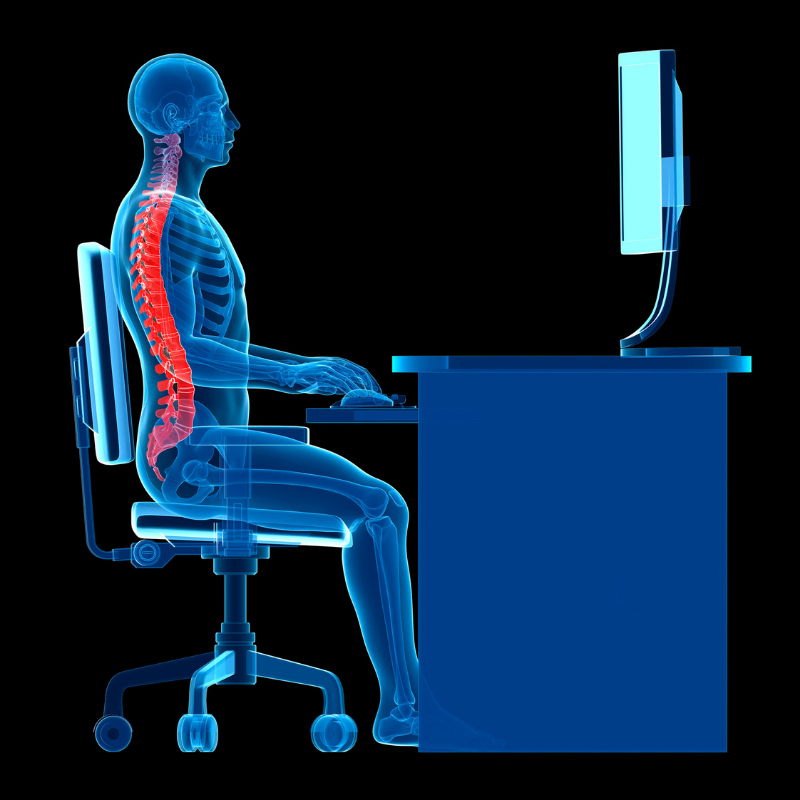
You've probably heard that sitting with your back straight and your knees at 90-degree angles is the right way to sit. While a comfortable, supported position is a good starting point, trying to maintain one rigid posture throughout the entire workday isn't necessary either.
Instead, aim for a relaxed position that supports your back, keeps your feet supported and allows you to work without straining.
