
You Can Now Check Your Physical Touch ‘n Go Card Balance On The App. Here’s How
The latest update allows you to sync your Touch 'n Go cards to your phone.


 Cover image via Li Yin Yeoh/SAYS (edit)
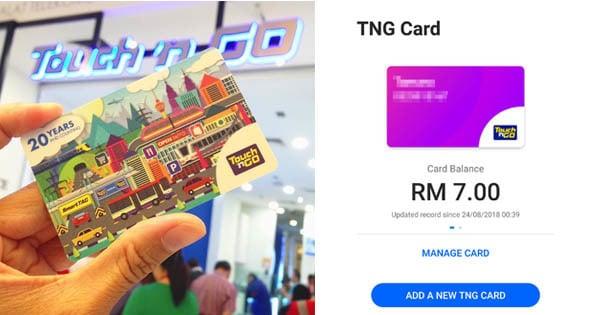
Touch 'n Go recently updated their e-wallet app to allow users to sync their physical Touch 'n Go cards to their smartphones
The app, which was introduced early this year serves as a cashless wallet to pay for things, such as utility bills, prepaid and postpaid credit top up, movie and flight tickets.
The latest update allows you to add multiple Touch 'n Go cards to the app so that you can keep track of your balances through your phone.
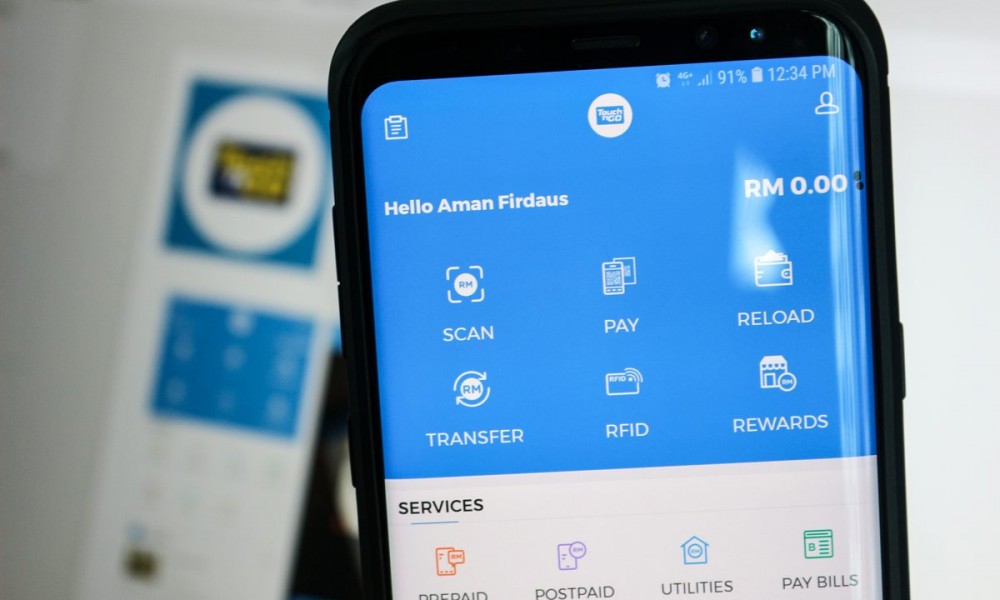
Image via zinggadget
Here's how to sync a Touch 'n Go card to your smartphone:
1. Download the app and sign in, then click on 'TNG card'
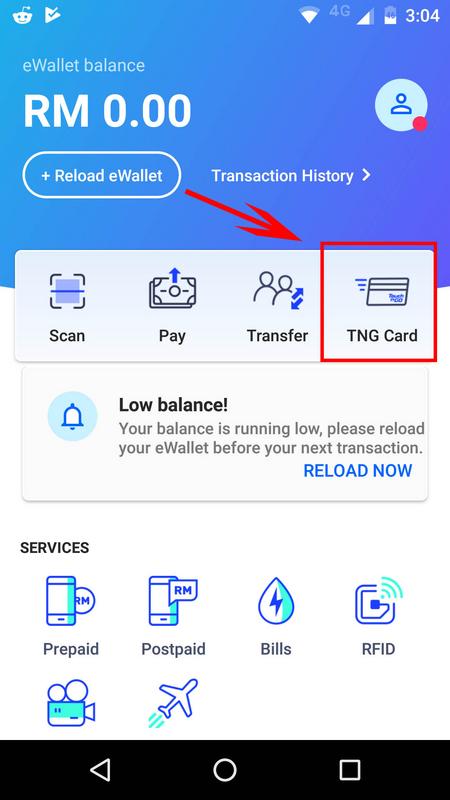
Image via SAYS
2. Key in the serial number on your Touch 'n Go card
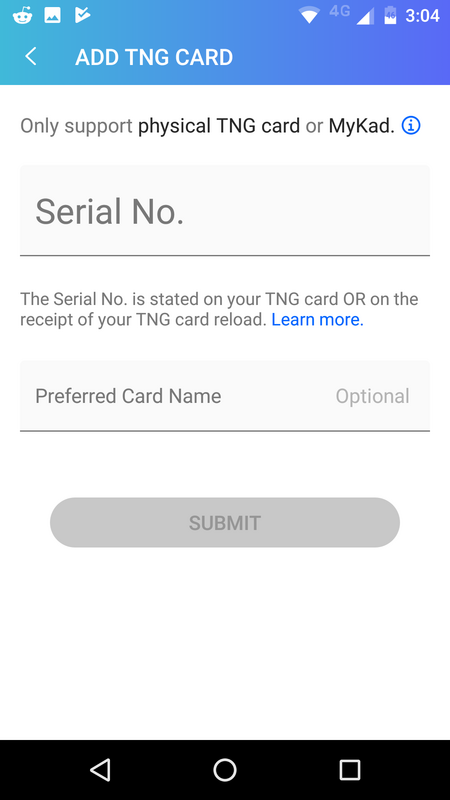
Image via SAYS
You can find the serial number at the back of the card.
If you're using your identification card (IC) as a Touch n' Go card, you can find the serial number in the receipt slip when you top up the card.

Image via SAYS
3. Once you've added the number, your balance will appear on the screen.
You can also click on 'Add a new TNG card' to sync up to three Touch 'n Go cards to your phone.
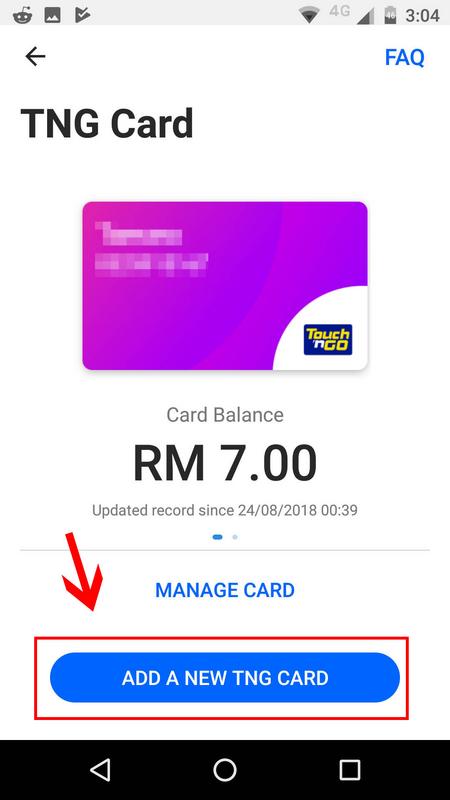
Image via SAYS
At the moment, you may check the balance of your card on the app but there may be one-day delays for it to update during transactions
According to SoyaCincau, toll payments will only be recorded within 48 hours from the time of the actual transaction.
You can view past transactions of up to 30 days by clicking on Transaction History.
Touch 'n Go has yet to create a way for you to reload your card on the app, so you will still need to do it via online banking sites, ATMs, or specific toll booths and stores.
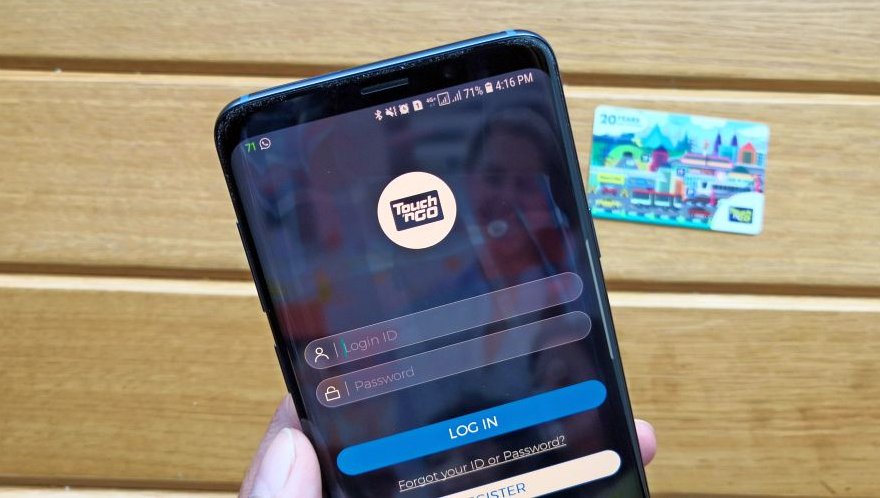
Image via SoyaCincau
Read more trending stories on SAYS

26-Year-Old Influencer Builds A Real-Life Flying Hoverboard
The influencer from China has gone viral for building and flying his own manned hoverboard over the Yangtze River.