
Beware: QR Code Scams Are On The Rise. Here’s What To Look Out For
QR scams, or "quishing", have cost Malaysians nearly RM30 million in the first half of 2026 alone.


 Cover image via
 Follow us on Instagram, TikTok, and WhatsApp for the latest stories and breaking news.
More than 5,000 QR code scam cases were recorded in Malaysia in the first half of 2026, resulting in nearly RM30 million in losses
QR codes have become part of everyday life. We use them to make payments, access websites, view menus, register for events, and more.
But scammers are increasingly taking advantage of that familiarity.
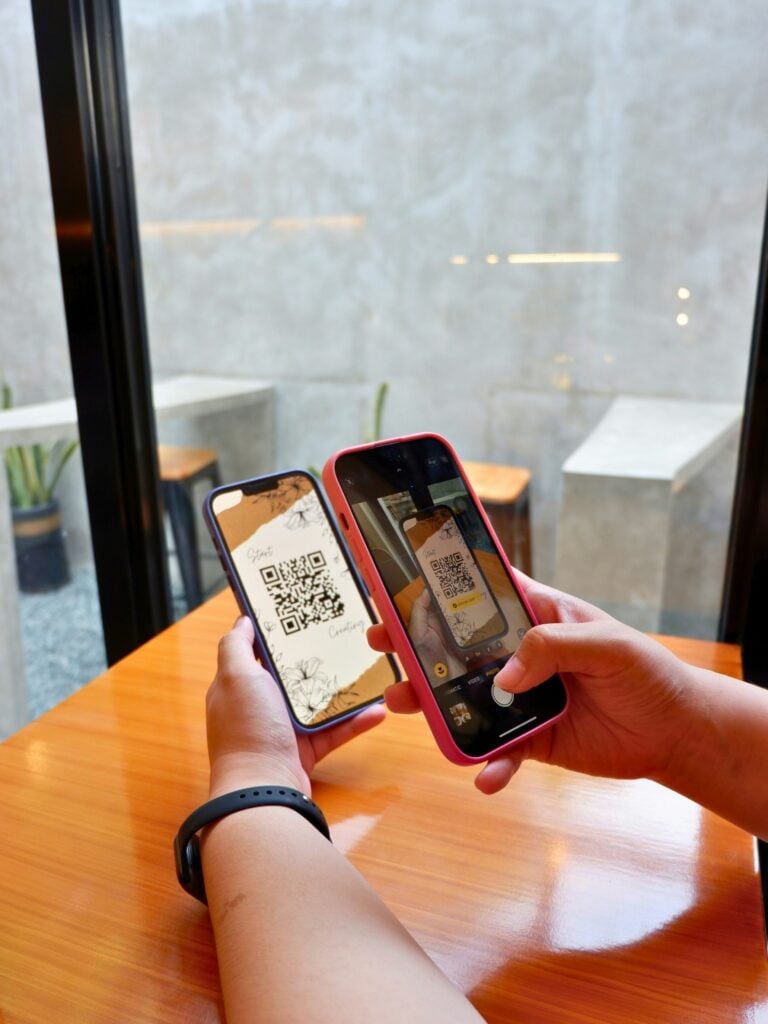
Known as "quishing", or phishing through fraudulent QR codes, the scam involves using malicious codes to trick victims into visiting fake websites, making payments, or handing over sensitive information
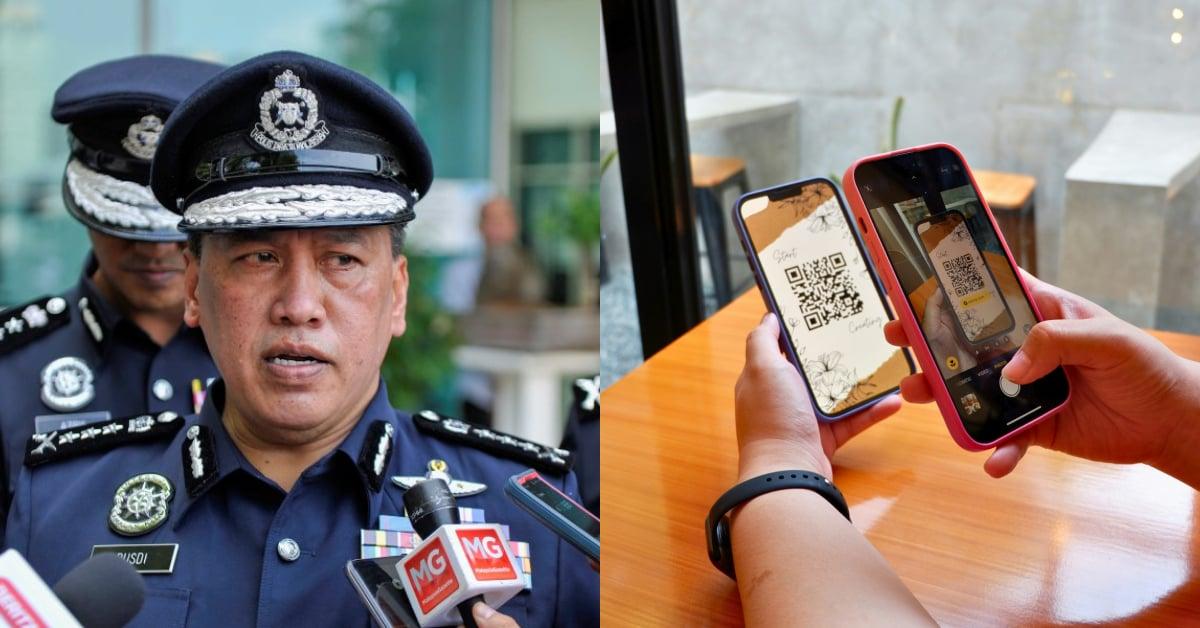
In a recent interview with The Star, Bukit Aman Commercial Crime Investigation Department (CCID) director Datuk Rusdi Mohd Isa said more than 5,000 QR code scam cases were recorded from January to June this year, resulting in nearly RM30 million in losses.
He said the tactic has risen sharply since 2023, with syndicates increasingly using QR codes to disguise malicious links, redirect payments, and trick victims into approving transactions or handing over their banking information.
"Quishing is a form of phishing that uses QR codes to direct victims to fake websites, payment gateways, or applications," Rusdi told The Star.
He urged the public to be cautious when scanning QR codes, especially those sent by strangers or accompanied by urgent requests involving payments, refunds, prizes, or account verification.

So, what does a QR code scam look like?
The danger with QR codes is that you can't tell where they'll take you just by looking at them.
A malicious QR code can redirect you to a fake website designed to look like a legitimate bank, e-commerce platform, or company website. Once there, you could be tricked into entering sensitive information such as your username, password, or credit card details.
Some QR codes can also lead to malicious downloads or apps that compromise your device.
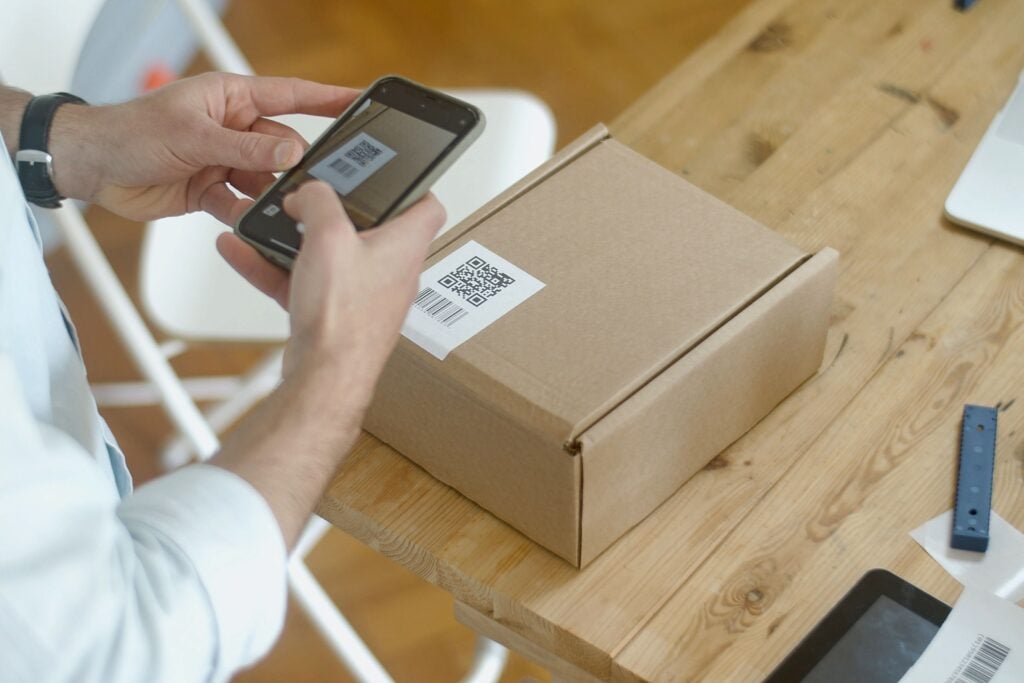
But quishing doesn't only happen online. One of the more deceptive aspects of QR scams is that scammers can also tamper with physical codes.
For example, a scammer could place a fake QR code sticker over a legitimate one at a parking meter, payment terminal, or public notice.
You might think you're scanning the official code as usual, only to be redirected to a scam website or payment page.
QR codes shared during online transactions can also be manipulated. A buyer or seller may be sent a QR code that appears to be part of a legitimate payment process, but actually leads to a fraudulent page.
How can I avoid QR code scams?
You don't need to stop using QR codes altogether. But just like clicking on an unfamiliar link, it's worth taking a moment to check where a QR code is taking you before proceeding.
Here are some things to look out for:
1. Check the physical QR code
If you're scanning a QR code in public, look closely at it first.
Does it appear to have been pasted over another QR code? Is the sticker damaged or out of place?
If something looks suspicious, don't scan it.
2. Preview the link before opening it
Many phones will show you the URL associated with a QR code before you open it.
Take a moment to read the address and check that you're being directed to the legitimate website.
If the URL looks strange, misspelled, or unrelated to the service you're trying to access, don't proceed.
3. Check who you're paying
If you're using a QR code to make a payment, check the recipient's name and account details before confirming the transaction.
Don't assume that a QR code is legitimate simply because it appears on a familiar-looking sign or message.
4. Be suspicious of urgency
Be extra cautious if a QR code comes with a message telling you to act immediately.
For example, a message claiming you've missed a payment, won a prize, or need to verify your account should be treated with suspicion.
5. Don't enter sensitive information
Be wary if a QR code takes you to a website asking for your banking login, password, credit card details, or other sensitive information.
If you're unsure, close the page and access the service through its official app or website instead.
6. When in doubt, go directly to the source
You don't have to use the QR code.
If a QR code is supposed to take you to a bank, government agency, e-commerce platform, or other service, look for its official website on Google or manually open the app instead.
The safest approach is simple: don't scan unexpected QR codes, and always check where a QR code is taking you before entering information, downloading anything, or approving a transaction.
