
Here Are Few Navigation App Alternatives To Waze
We've found a whole lineup of alternative navigation apps ready to take over your dashboard.


 Cover image via
 Follow us on Instagram, TikTok, and WhatsApp for the latest stories and breaking news.
With recent government directives steering civil servants away from Waze over cybersecurity worries, plenty of drivers are suddenly feeling stranded
Waze has long been a staple for Malaysian drivers. We relied on it to dodge potholes, get warnings about hidden speed traps, and find back-alley shortcuts through quiet housing estates to save four minutes during the morning rush.
If you're ready to uninstall it, we'vefound a whole lineup of alternative navigation apps ready to take over your dashboard.
1. Google Maps
Google Maps is like that dependable friend who turns up on time every single day; maybe a little plain, but rarely lets you down.
Since Google owns Waze anyway, a lot of the underlying traffic data gets pulled from the same massive central server pool.
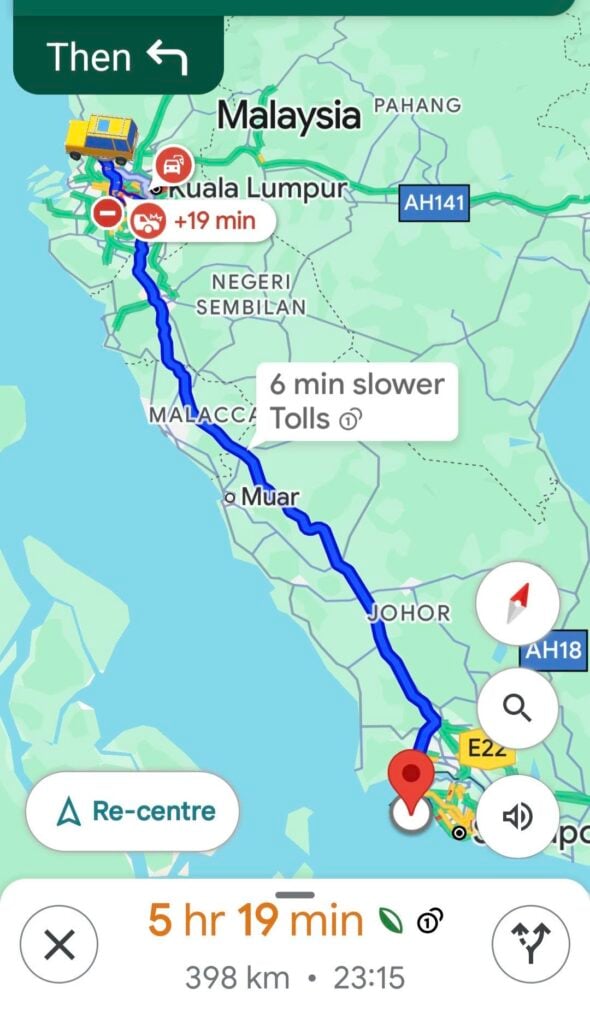
Need to find a tiny warung buried deep in a side alley near Low Yat? Google Maps will find it, show you photos of the menu, and tell you if the queue is ridiculous right now.
It's able to show you exactly which lane to get into before a confusing highway split, a complete lifesaver when dealing with the Shah Alam cloverleafs. It also runs without a single glitch across Android, iOS, Android Auto, and Apple CarPlay.
However, compared to Waze, which aggressively shunts you through a narrow residential neighbourhood just to save 30 seconds, Google Maps is far more conservative, meaning you might end up sitting in bumper-to-bumper congestion longer.
It may also drain your battery faster. Running high-res map layers and live traffic displays drains your phone battery surprisingly fast, so keep that car cable plugged in.
2. TuJu
With the recent government push highlighting local alternatives like TuJu (developed alongside the Malaysian Highway Authority), homegrown solutions are getting their moment in the spotlight.
Want to see if the Federal Highway is jammed before you even leave the office pantry? Local highway apps give you direct access to live camera feeds along major expressways.
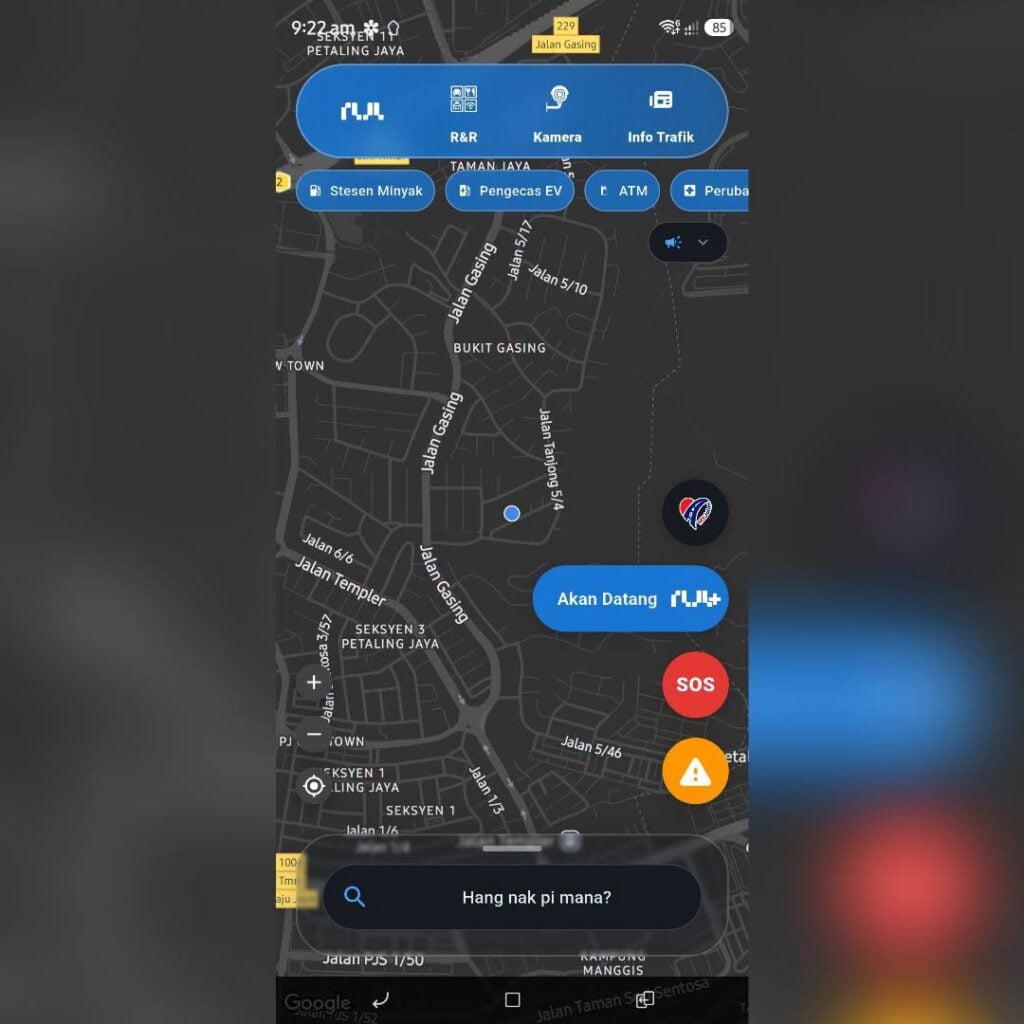
Your movement telemetry stays strictly on domestic infrastructure, satisfying government compliance and personal privacy preferences.
Toll breakdowns across PLUS, LDP, and SPRINT routes are explicitly detailed, helping you calculate your daily Touch 'n Go budget.
The user interface lacks the silky-smooth polish of multi-billion-dollar tech giants. You might encounter the occasional app freeze or awkward search query result.
Because the user base is still growing, real-time crowdsourced traffic warnings (like stalled cars or road debris) are not quite as instantaneous as older platforms.
However, the app is currently unavailable as it is undergoing technical upgrades to enhance long-term user performance.
3. Sygic GPS Navigation
Here's the thing: sometimes you do not want an app that is constantly pinging a remote server every three seconds. Sygic uses high-quality offline maps (powered by TomTom) stored directly on your phone's storage.
Sygic works without data since everything is downloaded to your phone. Driving through remote stretches of the East Coast Highway or underground basement carparks where coverage drops to zero? Sygic keeps guiding you without missing a beat.
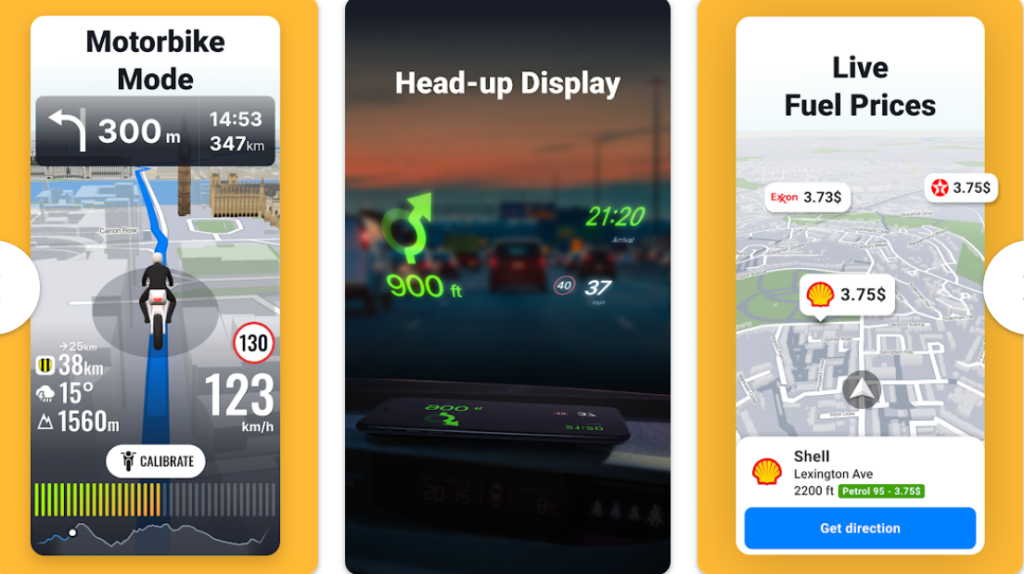
The 3D building and landmark renders make city driving in places like KL Sentral or Bukit Bintang much less disorienting.
It can project navigation instructions directly onto your windshield at night, which feels straight out of a sci-fi movie.
While the basic version is free, the really good features, like real-time traffic updates, dashcam integration, and HUD, require a paid premium subscription.
Also, downloading full offline maps for offline use takes up a chunk of your phone's internal storage.
4. Apple Maps
If you carry an iPhone, Apple Maps has quietly turned itself into a power player over the last couple of years. It went from a total meme at launch to a crisp, privacy-focused powerhouse.
Apple does not build ad profiles out of your daily routes. Your location data stays encrypted and tied to randomised codes rather than your personal account details.
No random pop-up banner ads taking up half your screen while you sit idle at a red light.
It also has something that none on this list can offer: Apple Watch integration. Subtle taps on your wrist nudge you before a turn comes up, meaning you keep your eyes on the road instead of staring down at a display mount.
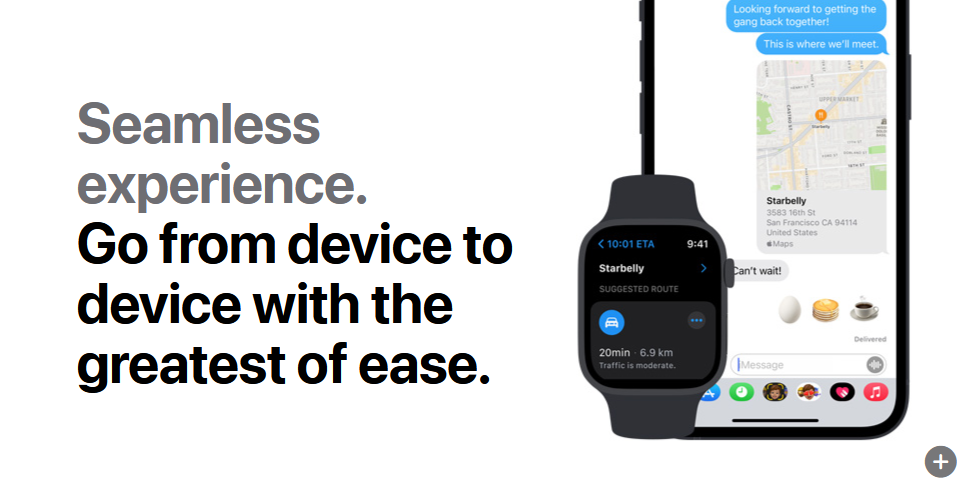
However, obviously, Android users are completely out of luck here.
Also, not all locations are searchable with Apple Maps. While major shopping malls in Mid Valley or TRX are mapped right down to the ground floor, smaller roadside stalls might not show up instantly.
5. Petal Maps
When Huawei lost access to standard Google services, they built Petal Maps from the ground up using TomTom map databases. It has evolved into a sleek navigation app that punches well above its weight.
Similar to Sygic, Petal Maps offers a Head-Up Display mode that projects basic arrow directions onto your windshield during night drives.
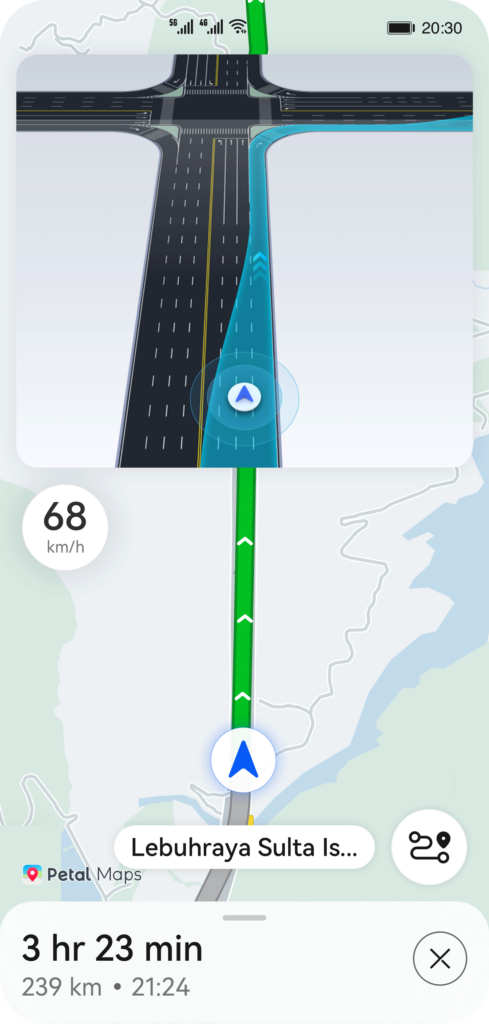
It runs lightweight on phone hardware, making it ideal if your phone tends to get warm during long afternoon commutes.
It also gives you granular settings over what location history actually gets saved back to cloud servers.
However, because fewer Malaysians use it daily compared to Google, real-time traffic delays or sudden road hazards take slightly longer to show up on the map.
6. PINTAZ
Built specifically for local roads, PINTAZ is a homegrown Malaysian navigation app designed to handle the exact quirks of commuting in this country.
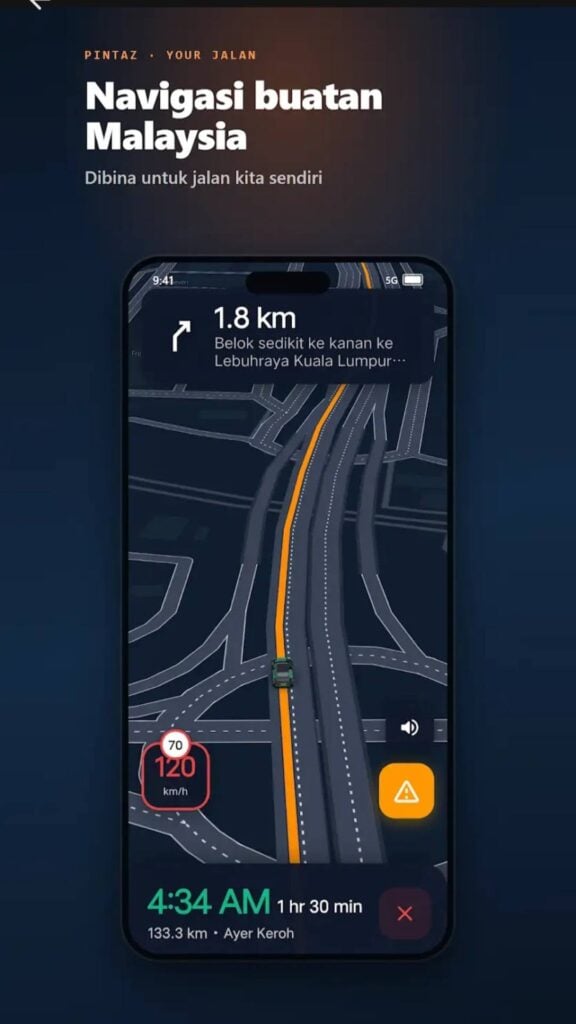
It provides voice cues for AES cameras, calculates toll costs before you even pull out of your driveway, and includes dedicated motorcycle routing that tracks official bike lanes.
Your movement data stays on domestic servers, addressing the exact cybersecurity worries that started the Waze debate in the first place. It also includes built-in prayer times, Kiblat directions, and detailed campus map layouts for university students.
It is still a work in progress, though. The app receives regular updates, but you might still run into the occasional graphic bug or a temporary pin placement glitch on straight roads.
7. HERE WeGo
Before smartphones took over everything, HERE Technologies was powering dedicated GPS units inside vehicles all over the globe. Their standalone app, HERE WeGo, remains one of the most reliable tools for offline navigation.
Download the entire map of Malaysia straight to your phone storage, and you can navigate through absolute dead zones along the East Coast Highway without losing signal.
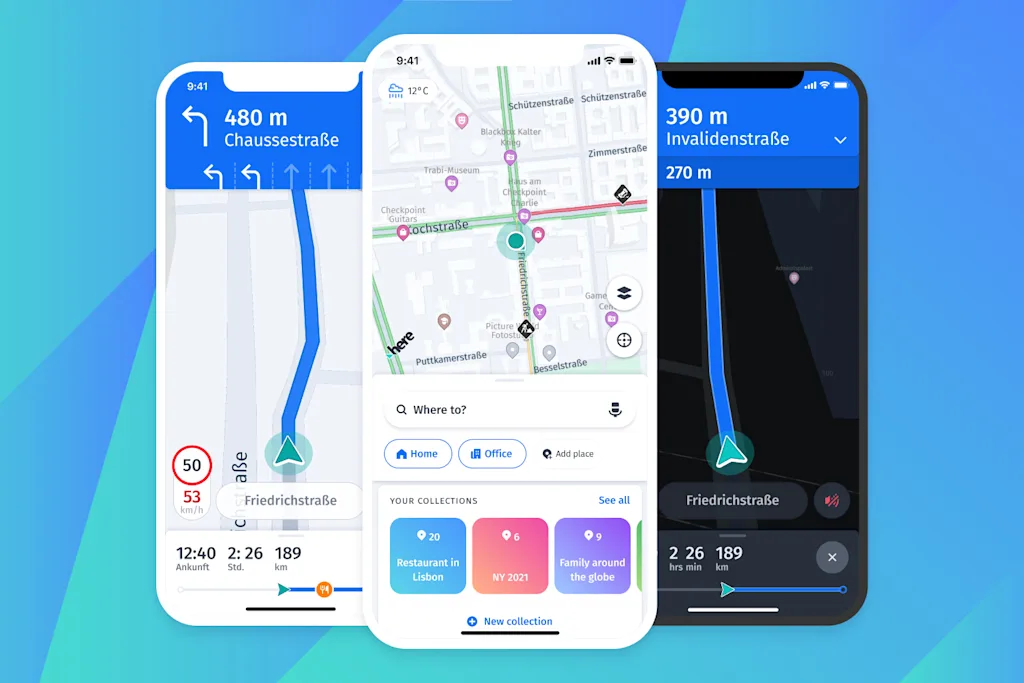
It's great if your daily commute involves swapping between driving to the station and taking the LRT or MRT.
Simple vector lines and uncluttered route summaries also keep screen distractions minimal.
The downside is that searching for local slang names or newly opened eateries often yields zero results unless you type out the exact registered business address.
Changing your default navigation app takes a little bit of adjusting
If you want the closest experience to Waze with zero learning curve, Google Maps is your easiest swap.
If data privacy is your absolute priority, fire up Apple Maps on your iPhone or Petal Maps on your Android setup.
And if you want to support local developers while getting precise alerts for tolls and speed cameras, keeping PINTAZ on your home screen is a brilliant move.
As long as you get back home safely without spending two hours trapped on the LDP, the app on your dashboard has done its job.
