
Samsung Galaxy Tab S12+ Review: Productivity Powerhouse In A Slim, Slim Profile
The Samsung Galaxy Tab S12+ reviewed.


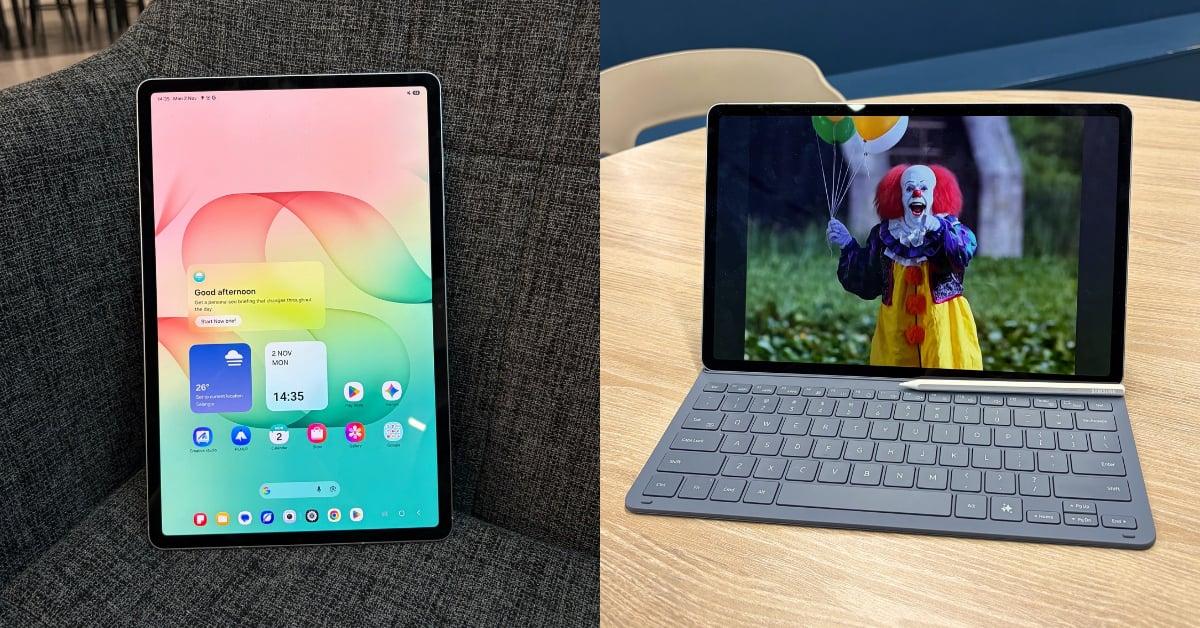 Cover image via Anne Nunis / SAYS
Follow us on Instagram, TikTok, and WhatsApp for the latest stories and breaking news.
The newly released Samsung Galaxy Tab S12 Series consists of two tablets: the Galaxy Tab S12 Ultra and the Galaxy Tab S12+
Both are touted for being powerhouses for productivity any time and any place, especially if you're a heavy Galaxy AI user.
I got the chance to review the latter of the two, and while everyone may think "Ooo Ultra means better and fancier" (okay, technically, it does), the Galaxy Tab S12+ is not one to overlook.
My first impression when I first held this tablet was, "Woah, it's like holding air. Thin, precious air."
This is a 12.6-inch Dynamic AMOLED 2X display. Yet it only weighs 553g and measures up to just 5.3mm. For comparison, the Galaxy Tab S10+ released two years ago measured at 571g and 5.6mm with a 12.4-inch display.
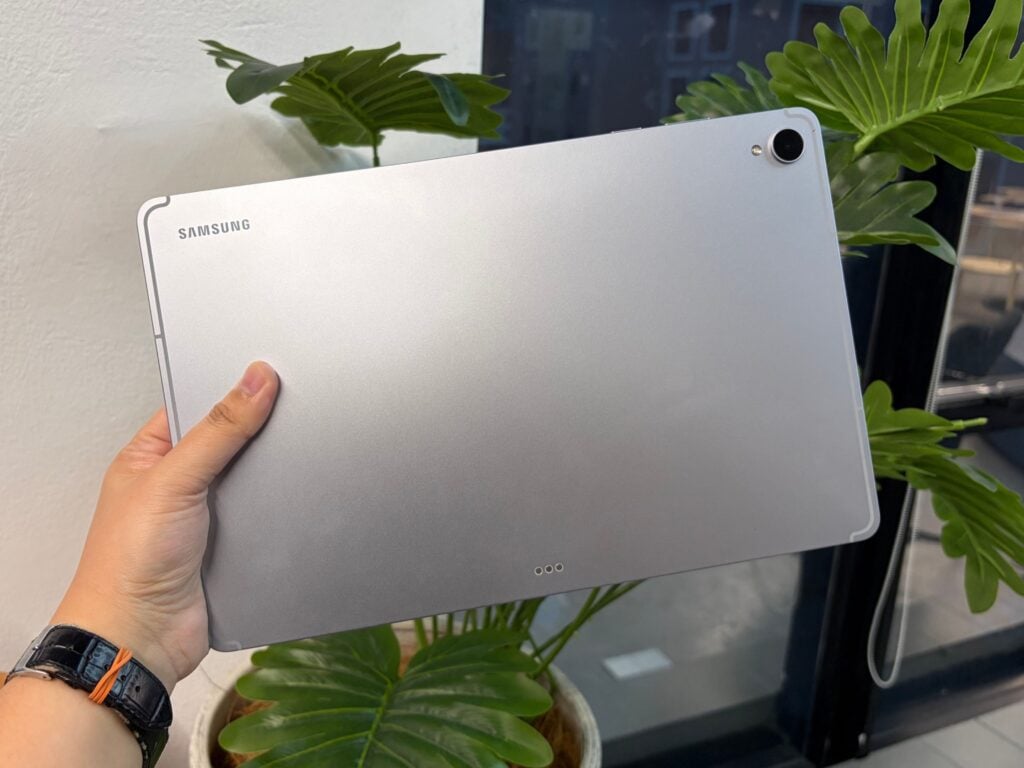
This lightweight form factor made it extremely convenient to bring around or hold during long reading sessions. Despite its slim profile, the aluminium frame still feels sturdy on its own, and it has an IP68 rating for water and dust resistance.
The tablet comes in Silver and Gray finishes, the former of which is the one featured in this review. As with Samsung's tablets, the overall design is practical with no fuss and frills. Just straight-up sleek and professional-looking tablets you can bring into meetings.
Aside from work, the tablet's display offers a vibrant and pleasant viewing experience for streaming movies and TV shows. Equipped with Vision Booster technology, it has an increased peak brightness of 1,600 nits, and its four-channel audio system gives the audio a richer, fuller sound perfect for movie nights. Toggle the in-built Dolby Atmos support, and you've got yourself a mini cinema.
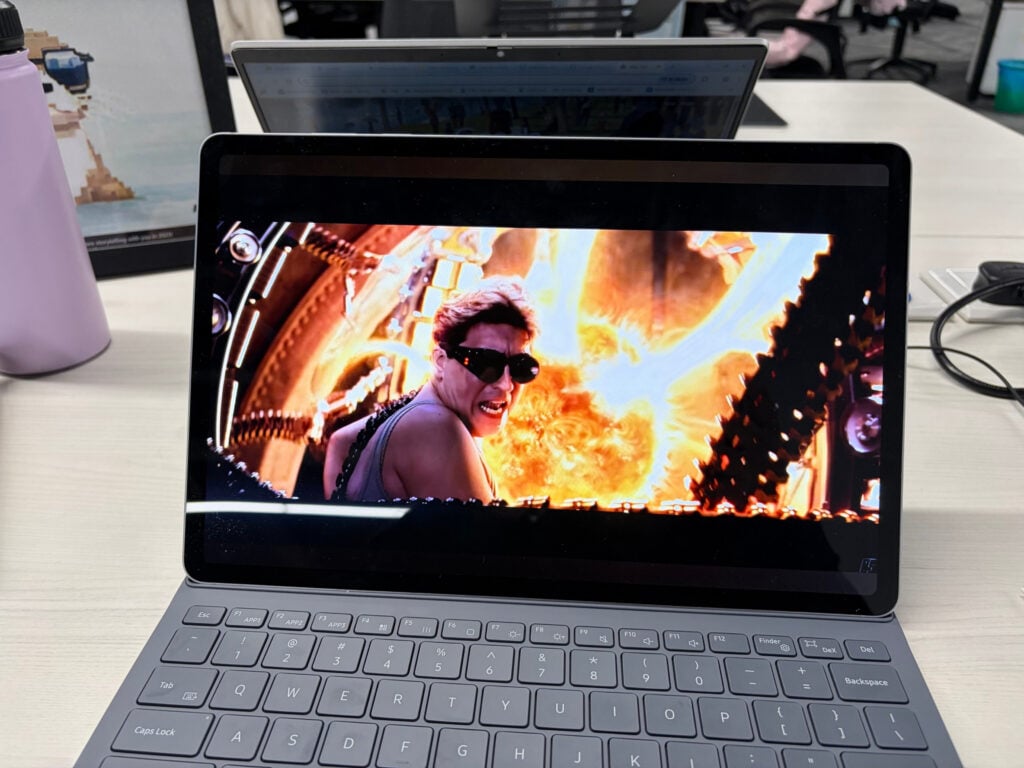
Powered by the 3nm MediaTek Dimensity 9500 processor and paired with 12GB of RAM, this tablet is meant for the multitaskers
For day-to-day use, I found that the tablet offered a smooth performance both in work and play. I mainly used it to create social media visuals on Canva, but even editing a video on CapCut on this tablet proved a breeze. Adobe Photoshop is even optimised for the tablet!
I played Adventure Quest 3D for two hours straight, and the tablet didn't break a sweat. The battery impressively only went down by 6%.
If you're a heavy artificial intelligence (AI) user, the tablet is capable of handling most tasks you throw its way. You can even choose between Dynamic AI Agents, consisting of Gemini, Perplexity, and Samsung's own Bixby.
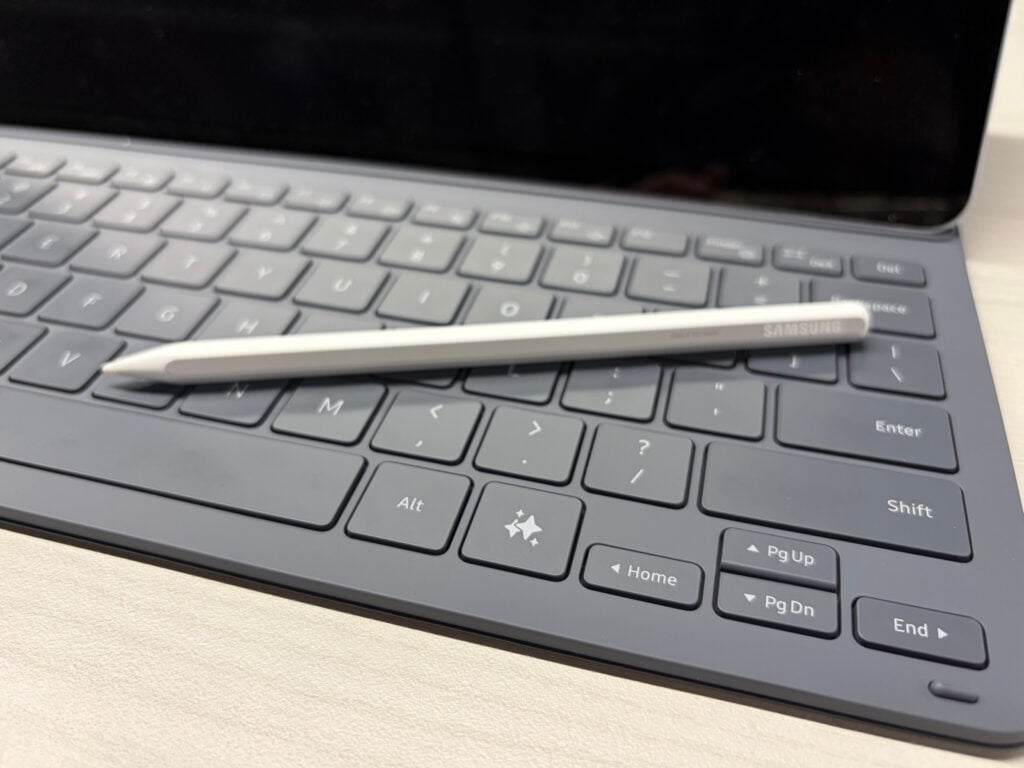
There's even a dedicated Galaxy AI Key on the provided keyboard for easy swapping between the three AI agents.
Powered by Galaxy AI, features like Now Nudge and Multi Window offer follow-up actions and multi-window shortcuts based on what's on your screen. This can range from reply suggestions to adding events to your calendar.
Samsung has also incorporated an upgraded 3D vapour chamber to keep the tablet cool while running processor-heavy apps.
Having tried it out as both a standalone tablet and a laptop replacement, I have to say, this tablet's a pretty good laptop simulator
One of my favourite features of a Samsung tablet is the DeX mode, which gives your tablet a desktop-like interface with multiple windows. Combined with the slim Book Cover Keyboard and Hexagonal S Pen that come in the box, it was easy to turn this slim tablet into a highly portable workstation.
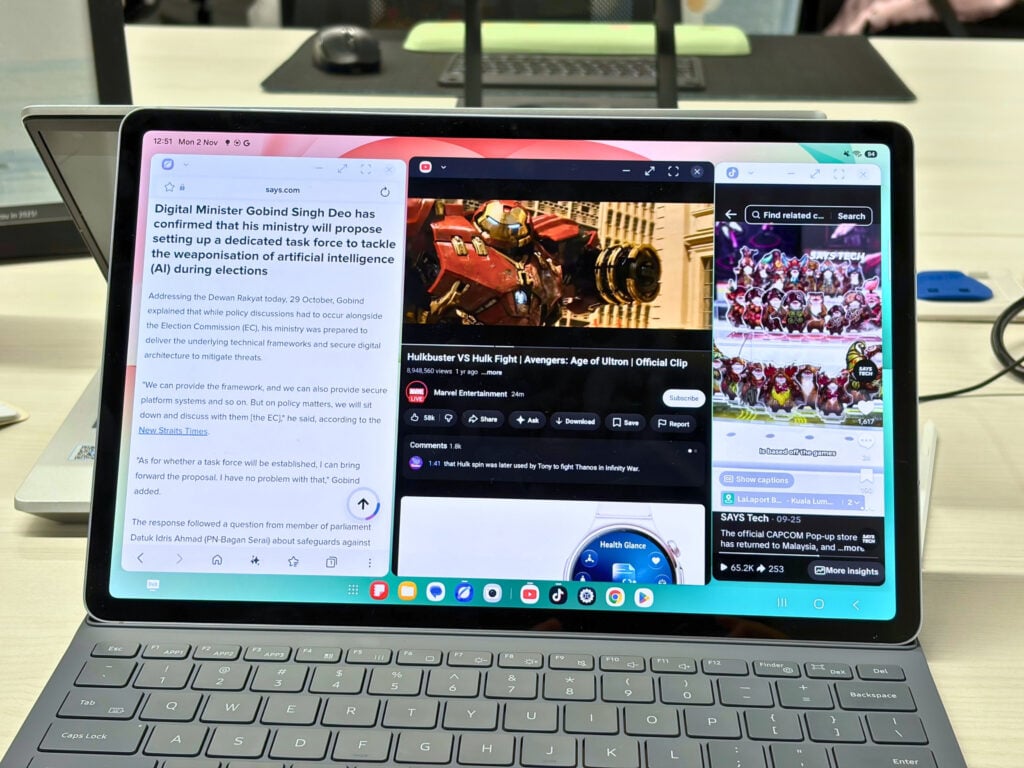
DeX mode.
Image via Anne Nunis / SAYSAs someone who types a lot, the keyboard was a welcome surprise. Each click and clack felt solid, very different from the springy third-party keyboards I've become accustomed to over the years. It does lack a trackpad, however.
The Hexagonal S Pen offers a more natural note-taking and sketching experience thanks to its redesigned shape that's more akin to a pencil than the smooth, cylindrical form of the old S Pen.
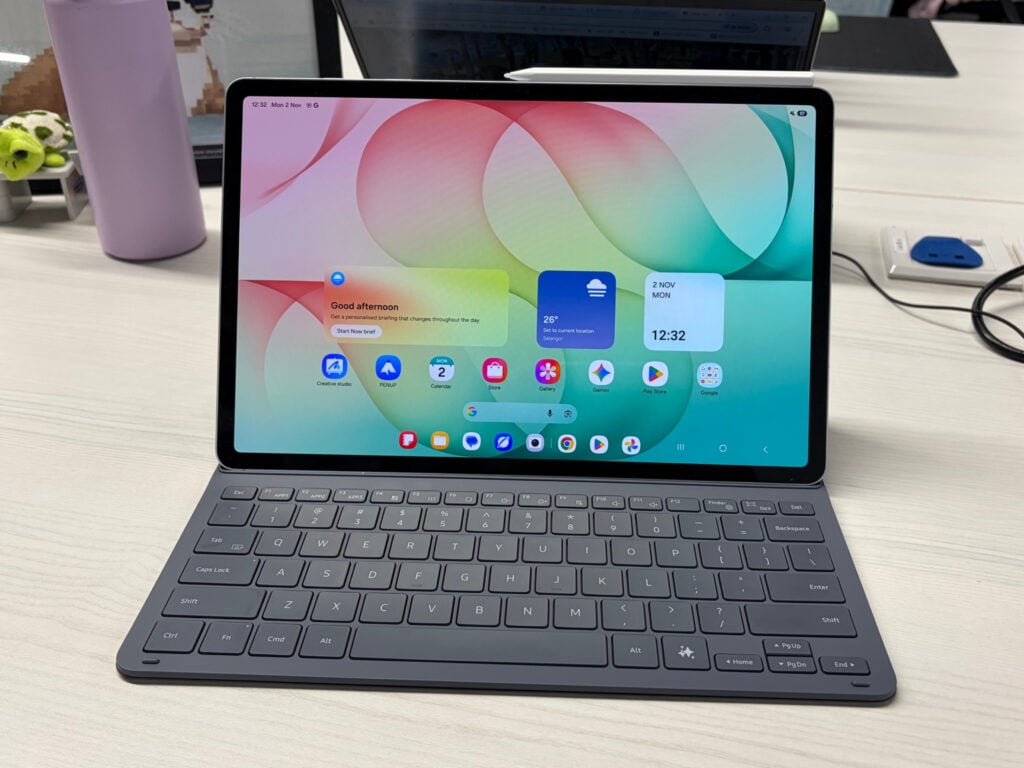
The final setup.
Image via Anne Nunis / SAYSThese two accessories being included in the box itself at no extra cost is a huge plus. Clipping these onto the tablet turns it into a sturdy, compact piece of hardware that's slightly smaller than the average laptop.
The Galaxy Tab S12+ has a bigger 10,600mAh battery, able to achieve up to 21 hours of continuous video playback
When I used it as my main device for work, I was pleased that it lasted me two full days of work, as well as after-hours movie nights, before needing a charge.
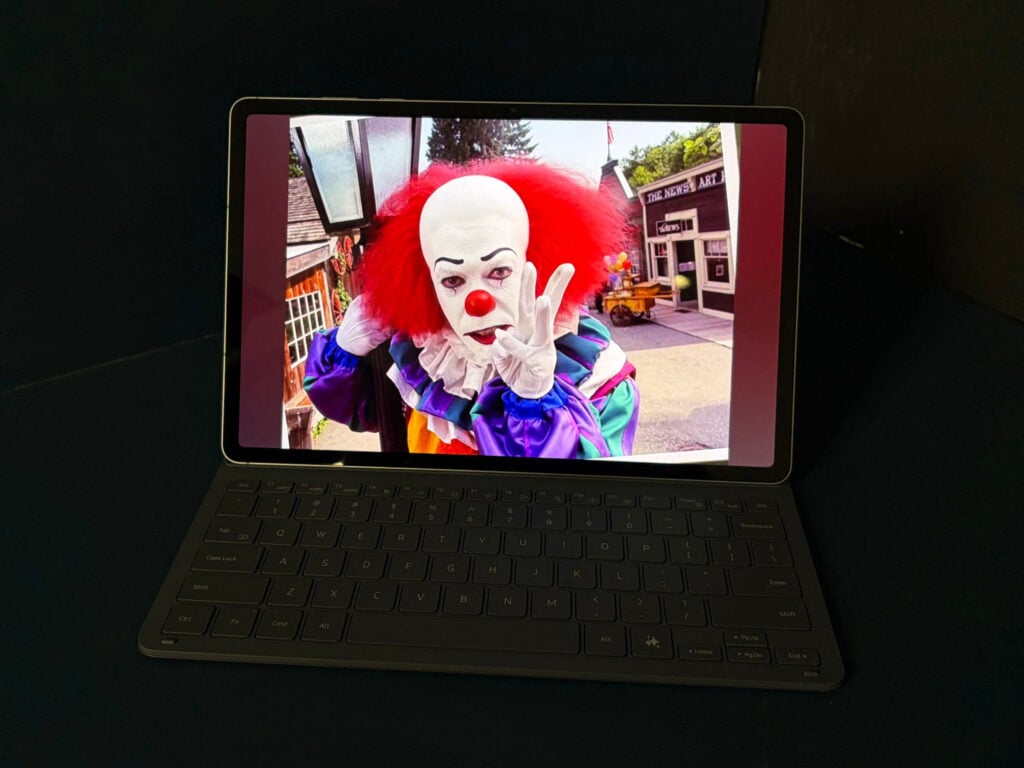
A bigger battery than the 10,090mAh battery found in its predecessor, it supports up to 45W wired fast charging and takes slightly under two hours to get a full charge.
If you take photos with a tablet (do you??), the Galaxy Tab S12+ drops the 8MP ultra-wide sensor found on the S10+. It does, however, retain the same 13MP rear camera and a 12MP ultra-wide front camera that are adequate as far as photography and document scanning on tablets go.
So, the verdict?
Retailing at RM4,999 for the 256GB Wi-Fi model and RM5,649 for the 5G model, the Galaxy Tab S12+ is definitely in the premium price range for a tablet.
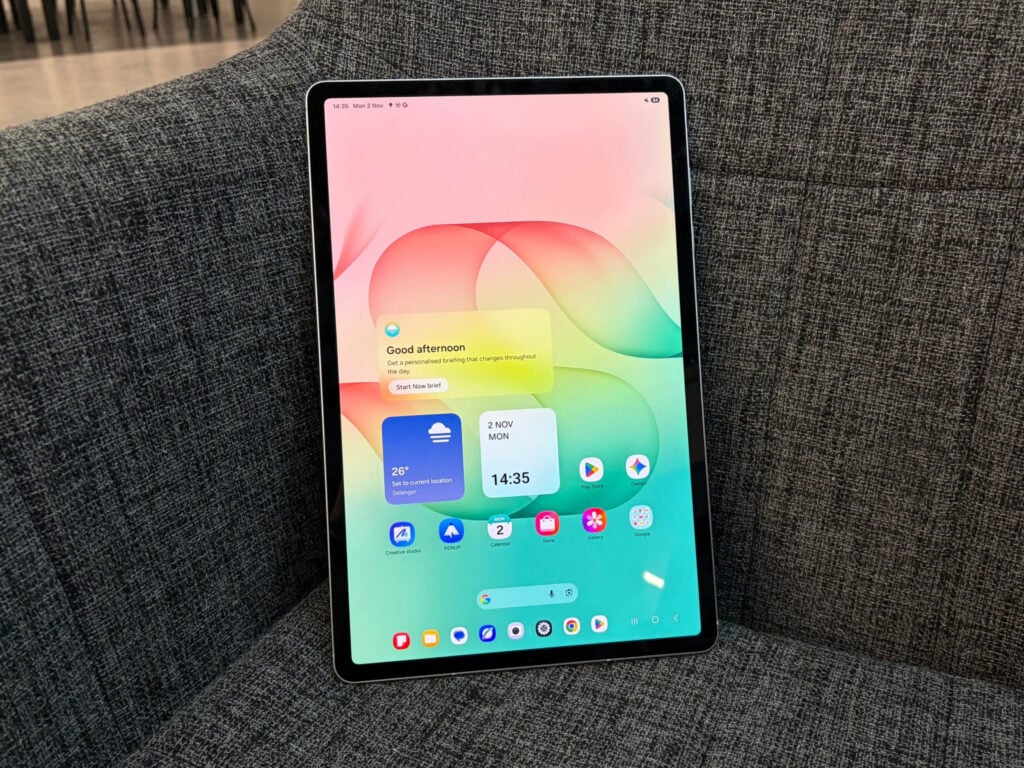
However, it hits the sweet spot for users who want something cheaper and more portable than an Ultra model but has more features and better performance than what you'd find on the FE models. An in-betweener of sorts, you could call it.
One thing that stood out to me the most is that it's a sturdy tablet in the most laptop-possible way, yet flexible enough to meet me where I need it to be, whether as a tablet or as a laptop.
It's incredibly lightweight, feels like it's not going to break on me, and who doesn't love getting all the accessories you need for your device in the box itself?
Follow SAYS Tech on Facebook, Instagram, & TikTok for the latest in tech in Malaysia and the world!

Read more trending stories on SAYS
Perak Students Build Smart Headset For The Visually Impaired, Win RM47,000 From Samsung
Students from MRSM Bagan Datuk won the Samsung Solve for Tomorrow 2026 competition with their smart LiDAR headset.