PSA: If You’re Using A WhatsApp Username, Turn On A Key To Prevent Spam From Strangers
Here's how to add a passkey.


 Cover image via WhatsApp
Follow us on Instagram, TikTok, and WhatsApp for the latest stories and breaking news.
WhatsApp usernames are about to change how we share contact info, but also how easily strangers can reach us
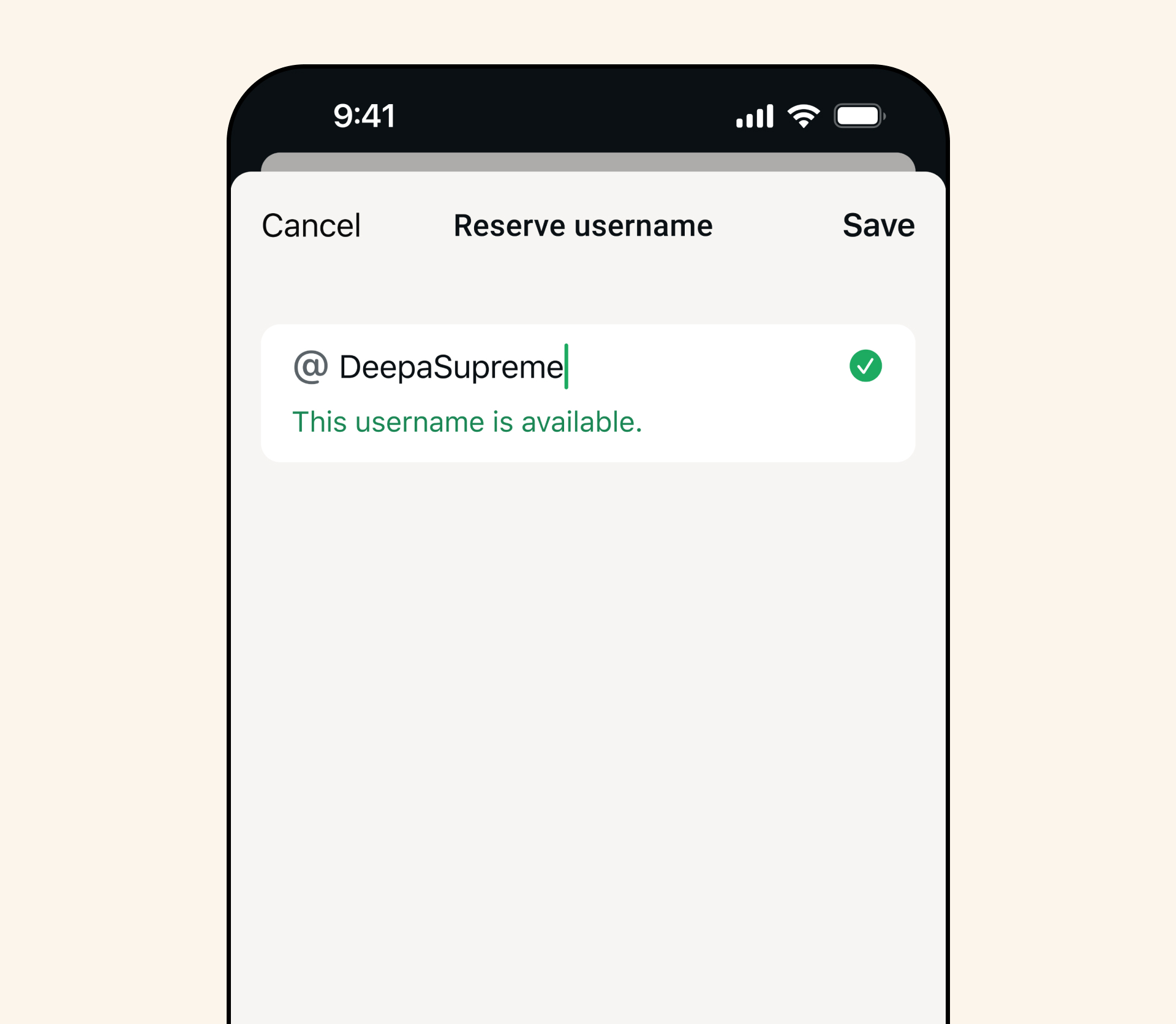
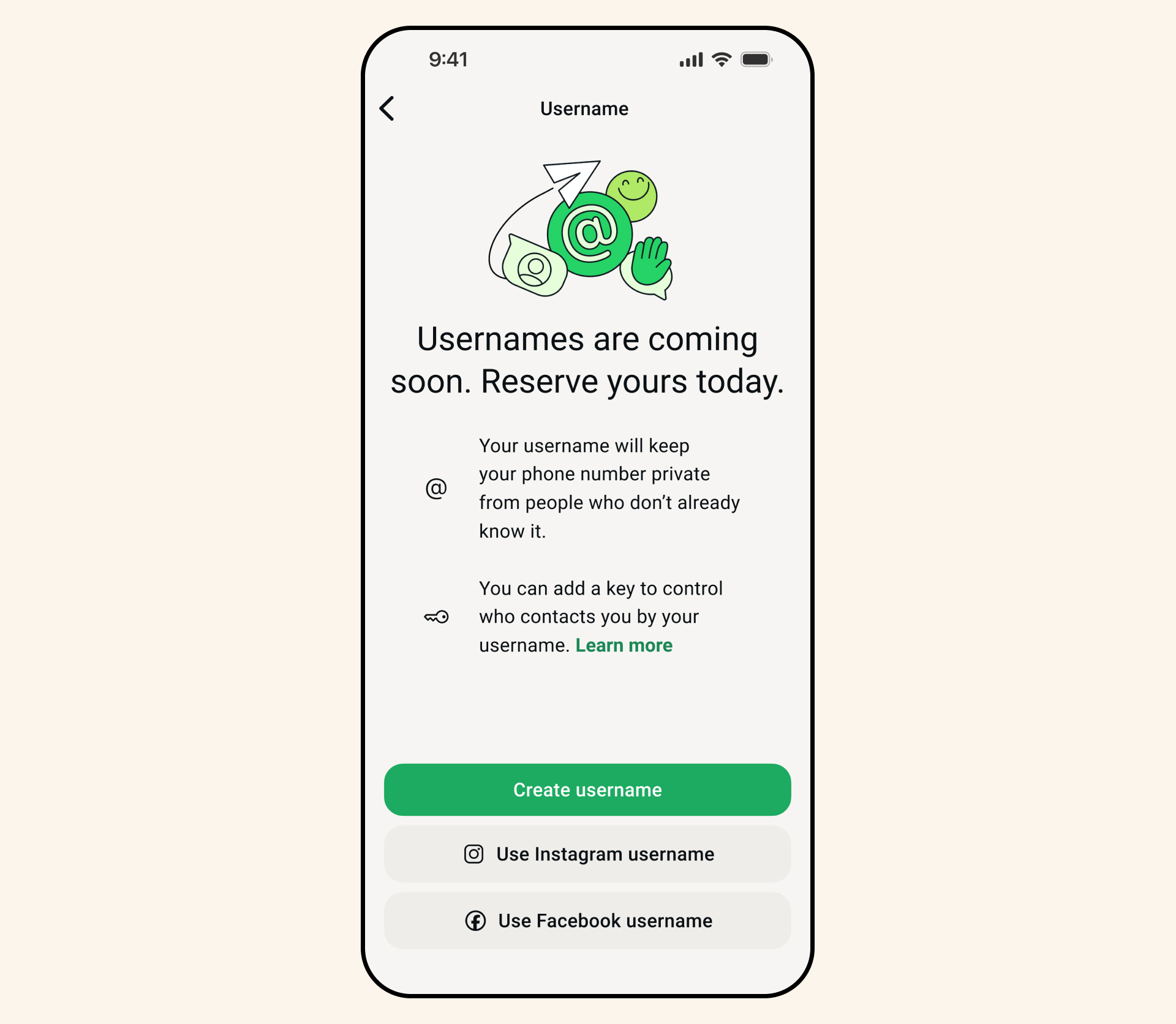
Instead of giving out your phone number, you'll soon be able to use a unique username like @Name123 so people can message or call you without ever seeing your number.
It sounds like a big privacy win.
But there's one extra setting you'll probably want to know about before things go fully public.
Once usernames are fully rolled out, anyone who knows your exact username can type it into WhatsApp and start a chat with you
For example, if you use the same handle as your Instagram or TikTok, it'll be even easier for people to find you across platforms.
There's no public search directory, so you're not exactly "discoverable", but if your username is floating around online, people can still reach you directly.
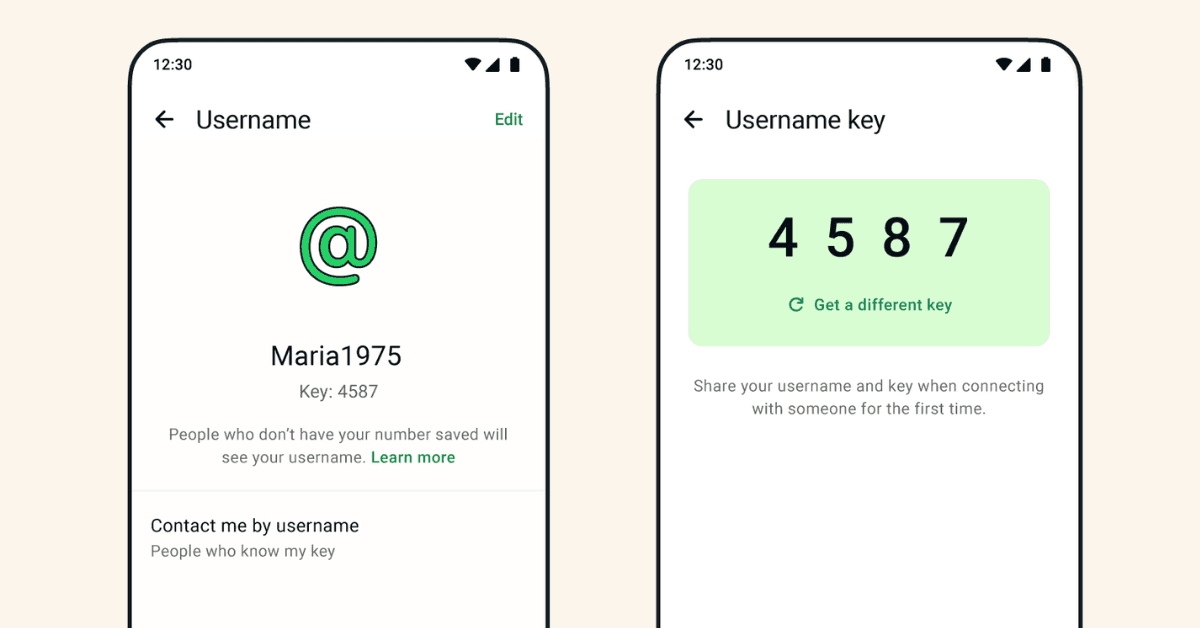
That's where WhatsApp's Username Key comes in.
The Username Key is basically a gate for strangers. Think of it as a second lock.
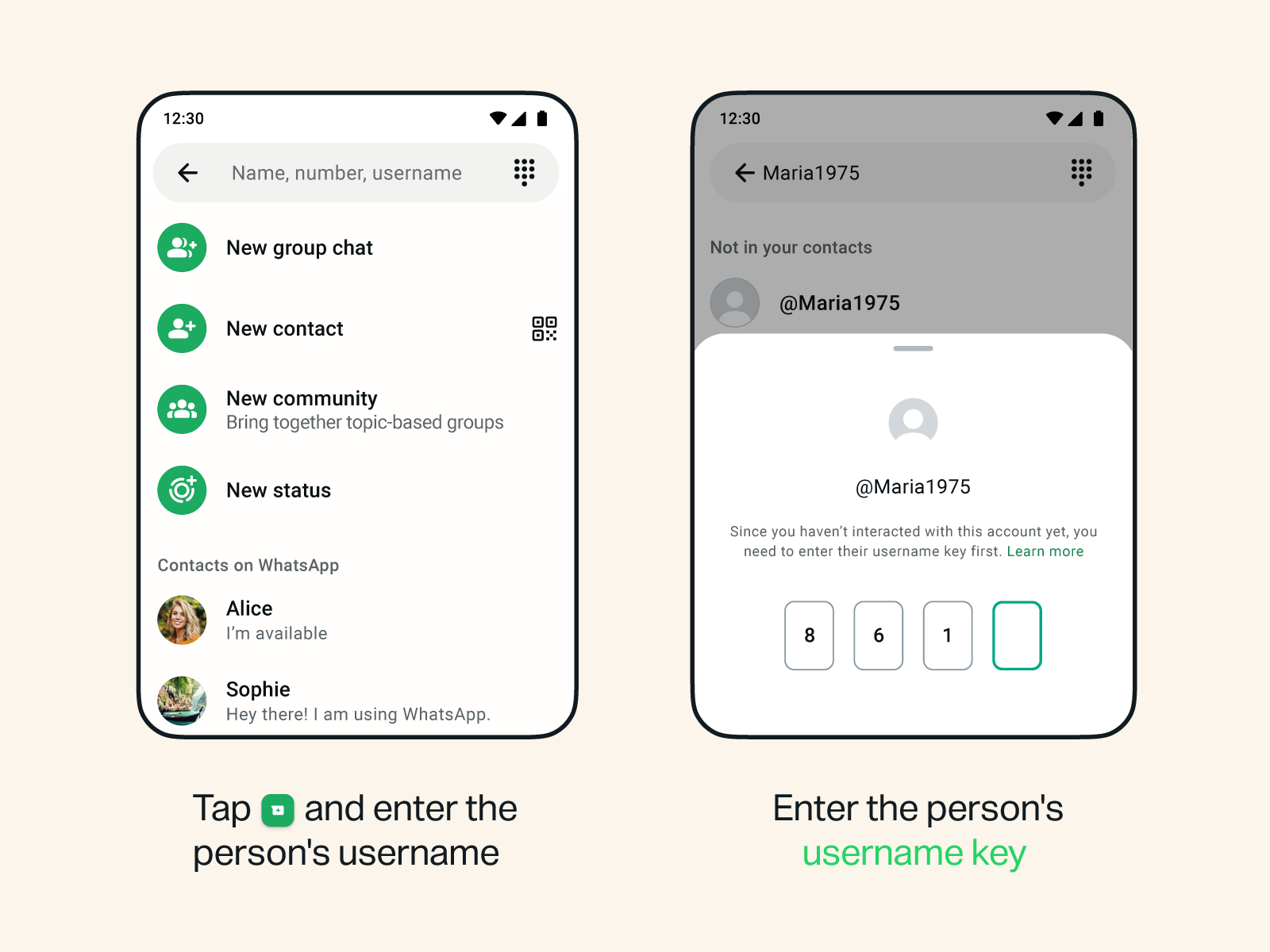
If you turn it on, anyone messaging you for the first time via your username will need both your username AND your key to get through.
WhatsApp automatically generates this key for you, and you can refresh it anytime if you want a new one.
So instead of just sharing @YourName, you can choose when to also share your key, giving you more control over who can reach you.
Here's how to set up your passkey:
If the feature is available on your account:
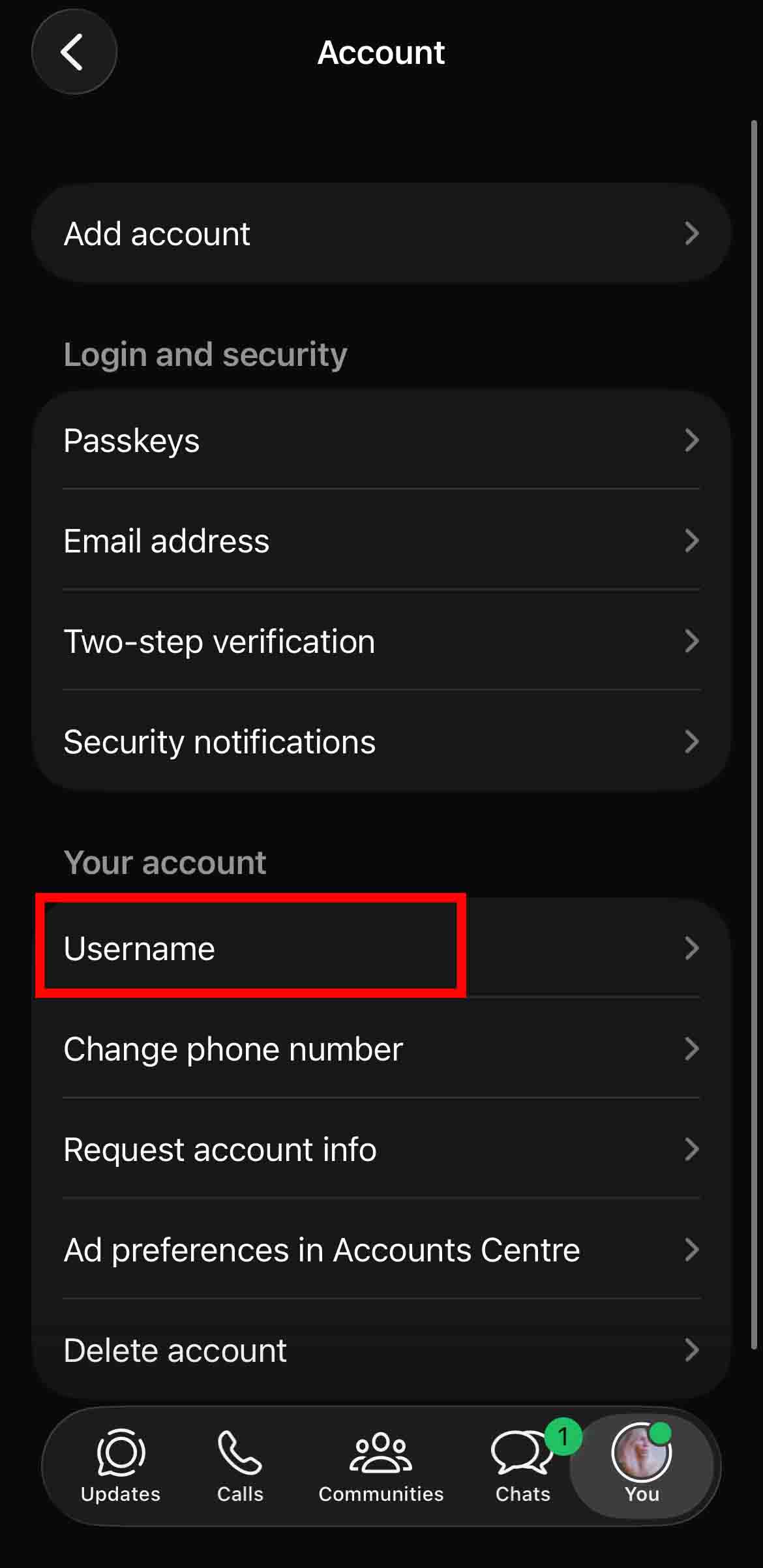
1. Open WhatsApp and go to Settings > Account
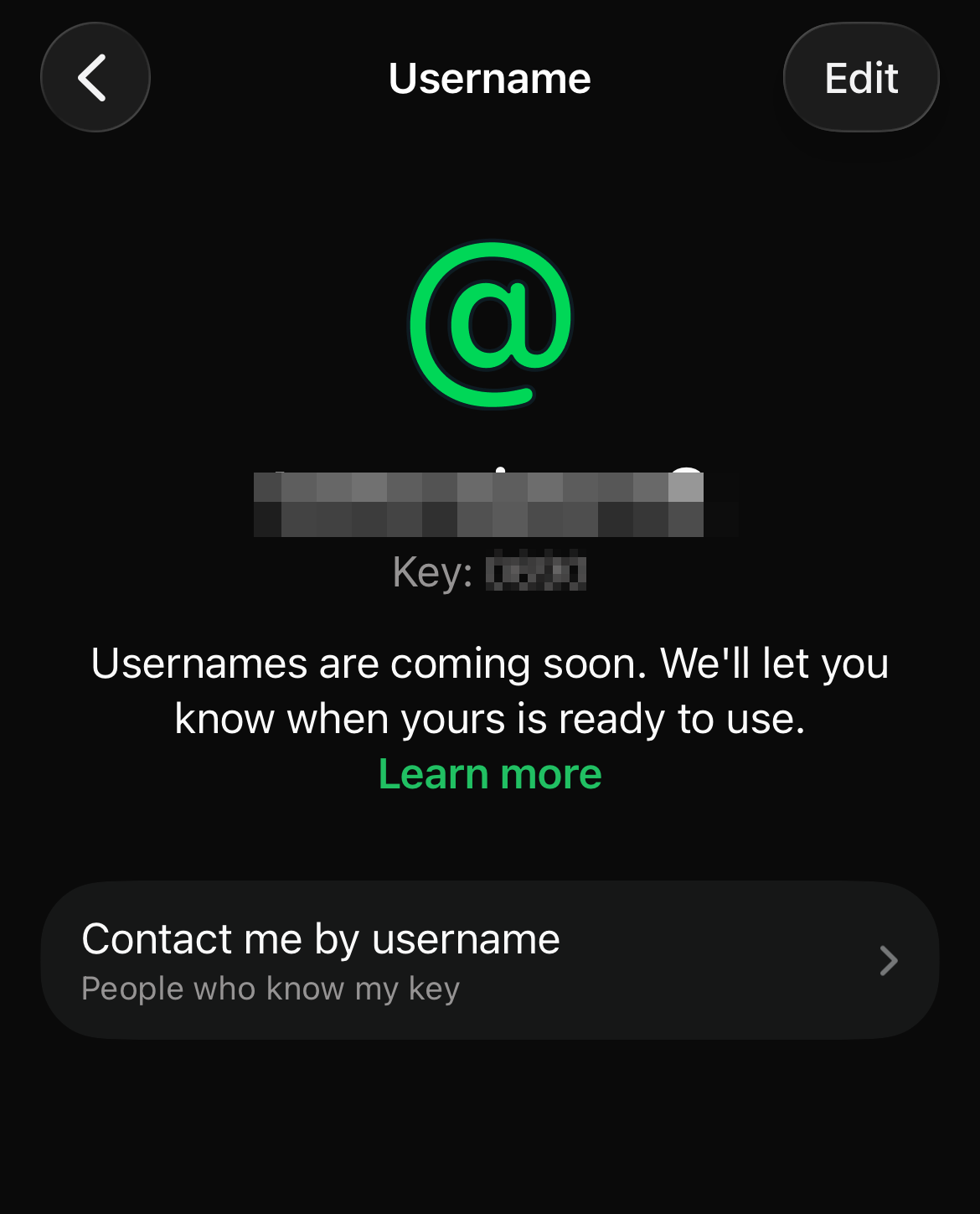
2. Tap 'Username'.
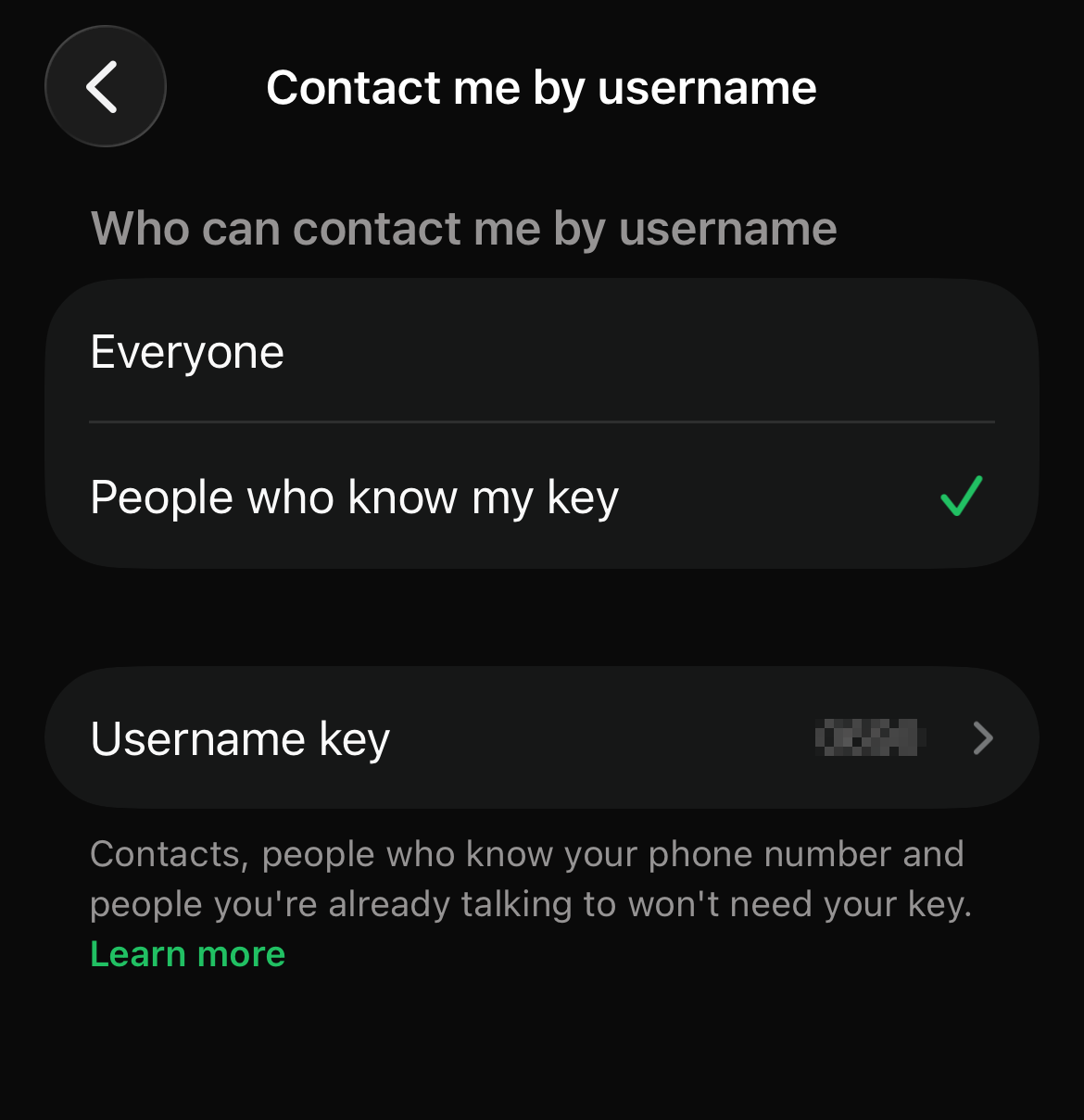
3. Under 'Who can contact me by username', select 'People who know my key.'
Your Username Key will appear in that section, and you can update it anytime.
Just note: this feature isn't available on WhatsApp Web or Desktop yet. You'll need to use your phone.
Who still gets through without the key?
The Username Key only applies to first-time contacts via username.
People won't need it if they are already in your WhatsApp world, like:
- People who already have your number saved
- People in a shared group with you
- People you've already chatted with
- People who scanned your QR code
- People you message first
So your existing conversations stay exactly the same.
Why this matters
Usernames are useful if you want to share your contact details without exposing your phone number, especially on social media, business pages, or public profiles.
But once your username is out there, it can be shared just as easily as any handle online.
The Username Key is what prevents random people from messaging you without permission.
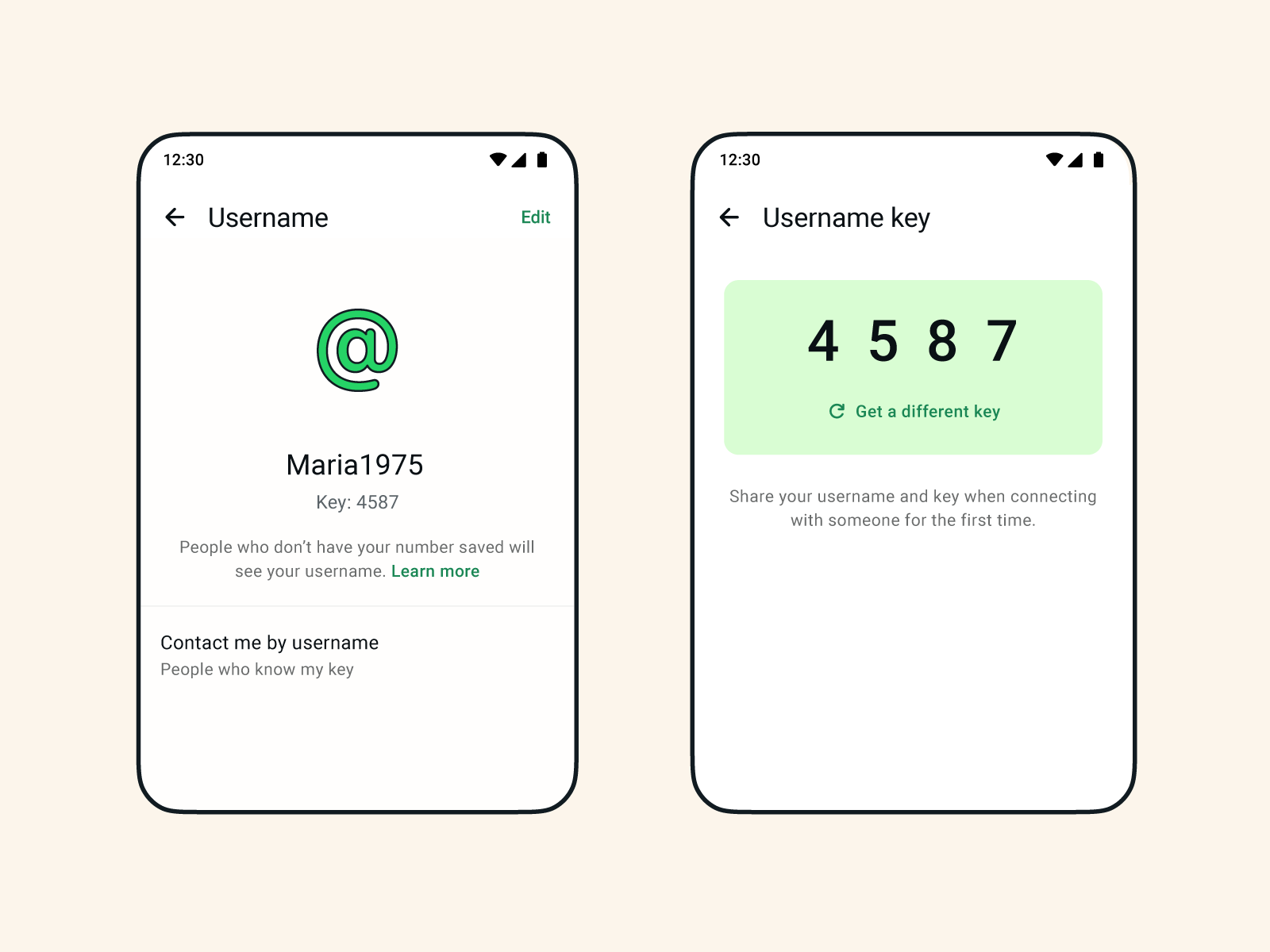
WhatsApp is still rolling out usernames gradually, and some users can only reserve theirs for now before it goes live
You'll be notified when it's activated on your account.
And while usernames make things more private on the surface, the Username Key is what decides whether that privacy actually holds up in practice.